Best Memory Card in Canada (2026): Top SD & microSD Picks + Buying Guide
Last updated: 2026.
In Canada, choosing the right memory card isn’t just about capacity—speed class, device compatibility, and authenticity matter just as much. Whether you’re shooting photos, recording 4K video, flying a drone, using a GoPro, or expanding storage on a Nintendo Switch, the “best memory card” depends on your workflow. This guide focuses on SanDisk (our most-requested brand), while staying practical and neutral so you can make the right choice for your device and budget.
If you want to browse first, start here: Shop Memory Cards or Shop SanDisk.
Table of Contents
Quick Picks (If You Just Want the Answer)
-
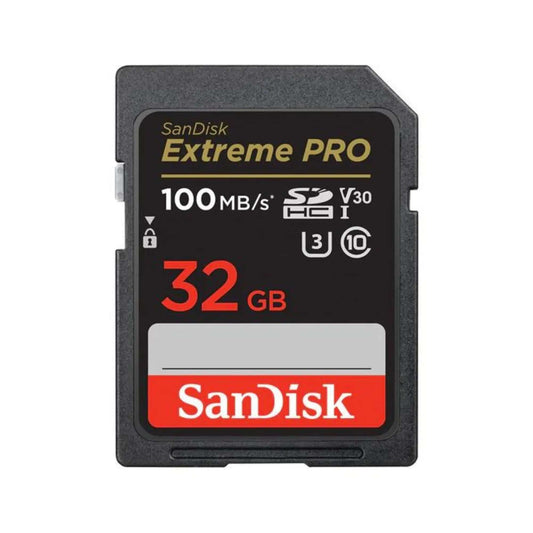
Best overall SD card (most cameras): SanDisk Extreme PRO SDXC UHS-I
-
Best value SD card for 4K: SanDisk Extreme SDXC UHS-I
-
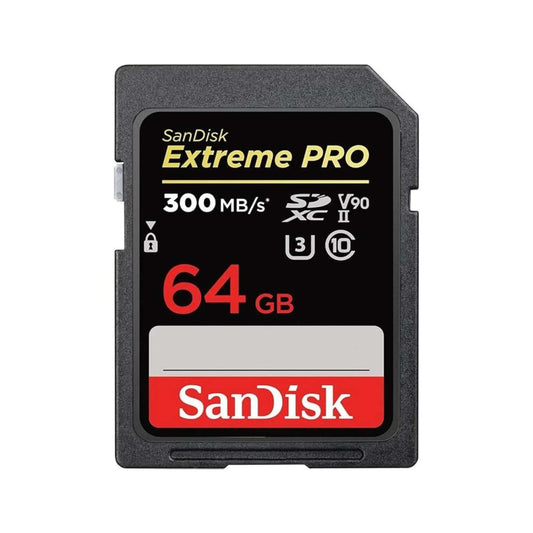
Best pro SD card (UHS-II workflows): SanDisk Extreme PRO SDXC UHS-II
-
Best endurance for dash cams / security: SanDisk High Endurance microSDXC
-
Best everyday microSD for phones / Switch (light-to-moderate use): SanDisk Ultra microSDXC
Note: Speeds and ratings vary by capacity/version. Always confirm the exact specs on the product page before purchase.
Top Memory Card Picks in Canada (2026)
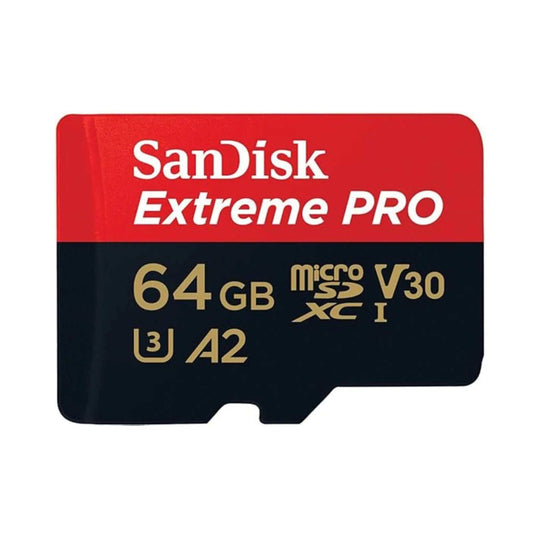
1) SanDisk Extreme PRO SDXC UHS-I – Best Overall SD Card for Most Creators
-
Best for: photography, 4K video, burst shooting, everyday pro use
-
Why it’s a top pick: strong real-world reliability, fast transfers, excellent for most UHS-I cameras
-
Shop link: SanDisk Extreme PRO SDXC UHS-I
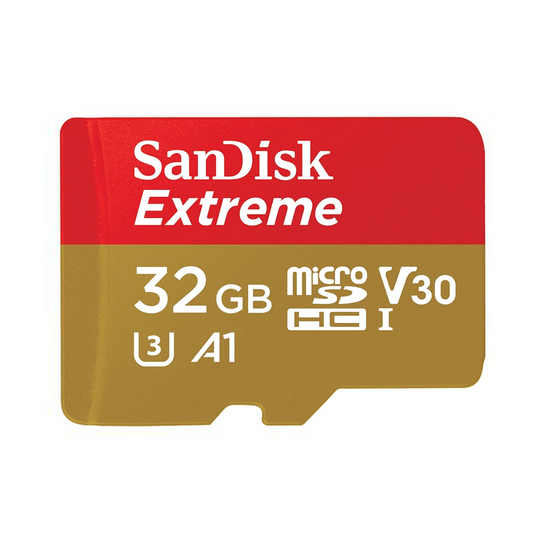
2) SanDisk Extreme SDXC UHS-I – Best Value for 4K Video + Performance per Dollar
-
Best for: 4K video, travel cameras, drones that use SD (via adapter), hybrid photo/video
-
Why it’s a top pick: usually the sweet spot for creators who want speed without jumping to UHS-II pricing
-
Shop link: SanDisk Extreme SDXC UHS-I
3) SanDisk Extreme PRO SDXC UHS-II – Best for Professional Cameras (UHS-II Supported)
-
Best for: pro cameras that support UHS-II, high-bitrate 4K/8K, heavy burst RAW workflows
-
Why it’s a top pick: UHS-II can significantly reduce buffer clearing time on compatible cameras
-
Important: In UHS-I devices, a UHS-II card will still work but runs at UHS-I speeds.
-
Shop link: SanDisk Extreme PRO SDXC UHS-II
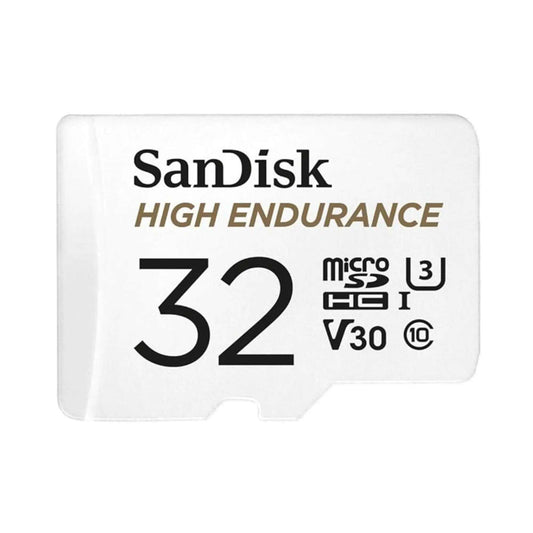
4) SanDisk High Endurance microSDXC – Best for Dash Cams & Security Cameras
-
Best for: continuous recording, loop recording, heat/cold exposure, long write cycles
-
Why it’s a top pick: endurance cards are designed to handle constant writes better than standard cards
-
Shop link: SanDisk High Endurance microSDXC
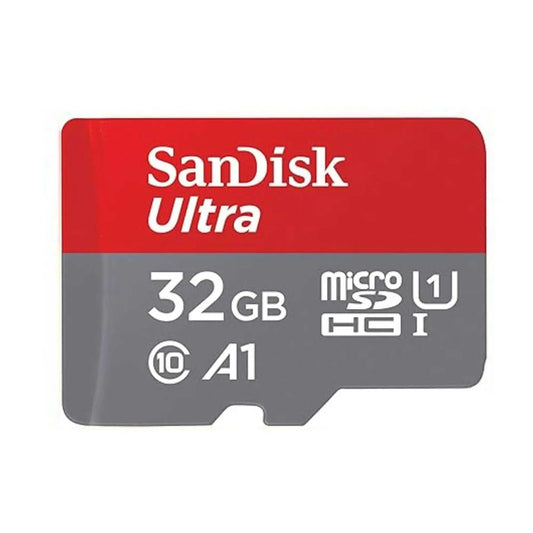
5) SanDisk Ultra microSDXC UHS-I – Best Everyday microSD (Phones, Tablets, Switch – casual use)
-
Best for: everyday storage expansion, light gaming, photos, music, apps (device-dependent)
-
Why it’s a top pick: strong value for general use when you don’t need heavy sustained write performance
-
Shop link: SanDisk Ultra microSDXC UHS-I
6) SanDisk Ultra SDXC UHS-I – Best Budget SD Card for Basic Photography
-
Best for: casual photography, Full HD video, backup SD for travel
-
Why it’s a top pick: budget-friendly and widely compatible for non-demanding workloads
-
Shop link: SanDisk Ultra SDXC UHS-I
Comparison Table: Best Memory Cards in Canada (2026)
| Pick |
Type |
Best For |
Why It Wins |
Shop |
| SanDisk Extreme PRO SDXC UHS-I |
SD |
Cameras, 4K video, burst photos |
Excellent overall balance of speed + reliability |
View |
| SanDisk Extreme SDXC UHS-I |
SD |
4K video value pick |
Great performance per dollar for creators |
View |
| SanDisk Extreme PRO SDXC UHS-II |
SD |
Pro UHS-II cameras, high-bitrate work |
Faster buffer clearing (on compatible cameras) |
View |
| SanDisk High Endurance microSDXC |
microSD |
Dash cams, security cams |
Designed for constant writing & loop recording |
View |
| SanDisk Ultra microSDXC UHS-I |
microSD |
Phones, tablets, casual Switch use |
Affordable everyday expansion |
View |
| SanDisk Ultra SDXC UHS-I |
SD |
Basic photography, Full HD |
Good compatibility and budget value |
View |
Want a broader browse by price/capacity? See all Memory Cards.
How to Choose the Best Memory Card (What Actually Matters)
1) Speed Ratings: Don’t guess—match your workload
-
Speed Class (C10): baseline minimum for many basic uses.
-
UHS Speed Class (U1 / U3): U3 is commonly recommended for 4K capture.
-
Video Speed Class (V30 / V60 / V90): better indicator for sustained video recording. Higher bitrate workflows benefit from higher V ratings.
2) SD vs microSD: choose the form factor your device requires
-
SD cards are common in cameras and some laptops.
-
microSD cards are common in drones, action cameras, dash cams, handhelds, and many mobile devices.
-
Adapter note: a quality microSD-to-SD adapter is useful when your device uses SD slots.
3) Capacity: avoid “too small” and “too huge” for your device
-
64GB–128GB: everyday shooting, casual 4K, travel
-
256GB–512GB: frequent 4K, longer sessions, creators
-
1TB+: heavy creators, long events, lots of footage (device support required)
4) Compatibility: format support matters (SDHC vs SDXC vs SDUC)
If you’re unsure which format your device supports, use this guide: Understanding SD Card Formats: SDHC vs SDXC vs SDUC
5) Endurance (write cycles): essential for dash cams & security
Standard cards can fail faster in continuous recording setups. For loop recording, choose an endurance-rated card like: SanDisk High Endurance microSDXC .
Best Memory Card by Device (Fast Recommendations)
For Cameras (Photography & Hybrid)
-
Most UHS-I cameras: SanDisk Extreme PRO SDXC UHS-I
-
UHS-II supported cameras: SanDisk Extreme PRO SDXC UHS-II
For 4K Video
- Look for U3 / V30+ (or higher depending on bitrate and camera requirements).
- Good starting point: SanDisk Extreme SDXC UHS-I (value) or Extreme PRO SDXC UHS-I (strong all-rounder).
For Drones & Action Cameras
- Prioritize sustained write performance (often U3 / V30+).
- If you’re unsure, browse SanDisk options by capacity here: SanDisk Collection.
For Nintendo Switch
- Most users do well with a reliable microSDXC in the 128GB–512GB range.
- For general expansion: SanDisk Ultra microSDXC UHS-I is a strong value option.
For Dash Cams & Security Cameras
- Choose endurance-rated cards designed for continuous recording.
- Top pick: SanDisk High Endurance microSDXC
Related deep dive: The Complete Guide to microSD Cards
How to Avoid Counterfeit Memory Cards (Very Common in High Capacities)
-
Buy from authorized retailers to protect warranty and ensure authenticity.
-
Be cautious with “too-good-to-be-true” pricing, especially on high-capacity cards.
-
Test new cards before important use (speed + capacity verification tools).
-
Use a quality reader to avoid transfer bottlenecks and errors.
Where to Buy the Best Memory Cards in Canada
You can find memory cards on major marketplaces, but authenticity and warranty protection can vary. Buying from authorized Canadian retailers like TopSelect.ca helps you avoid counterfeits and ensures support if you ever need it.
Browse by category: Memory Cards | SanDisk
FAQs – Best Memory Cards in Canada (2026)
Q1) What’s the best memory card brand overall?
- For most Canadian buyers, SanDisk is a top choice due to broad compatibility, reliable performance, and strong model variety (Ultra, Extreme, Extreme PRO, Endurance).
Q2) What memory card do I need for 4K video?
- As a baseline, look for U3 / V30+. For higher bitrate 4K/8K, some cameras require V60/V90 (often UHS-II).
Q3) Do I need UHS-II for photography?
- Only if your camera supports UHS-II and you shoot heavy burst RAW or need faster buffer clearing. Otherwise, a strong UHS-I card is often enough.
Q4) SD card vs microSD card: which is better?
- Neither is universally “better.” Choose the format your device supports. Performance depends on the specific card model and speed class.
Q5) Can I use a microSD card with an adapter in an SD slot?
- Yes. For best results, use a quality adapter. Some professional workflows prefer native SD cards for consistency.
Q6) What capacity should I buy?
-
64–128GB for casual use, 256–512GB for creators, and 1TB+ for heavy capture—if your device supports it.
Q7) What’s the best card for dash cams and security cameras?
- Use endurance-rated cards designed for constant writing, such as SanDisk High Endurance microSDXC.
Q8) Why is my memory card slower than expected?
- Common causes include an older card reader, USB 2.0 ports, device limits, nearly-full storage, or a counterfeit/low-quality card.
Q9) How do I avoid counterfeit memory cards?
- Buy from authorized sellers, avoid unusually cheap listings, and test capacity/speed when you receive the card.
Q10) Where can I buy genuine SanDisk memory cards in Canada?





![SanDisk microSD Express: The High-Speed Storage Upgrade Built for Nintendo Switch 2 (and Beyond) [2026]](http://www.topselect.ca/cdn/shop/articles/Blog_Covers_2_1.png?v=1774635766&width=533)
