
Multi-Pack SanDisk USB Flash Drives in Canada (USB-A & USB-C)
-
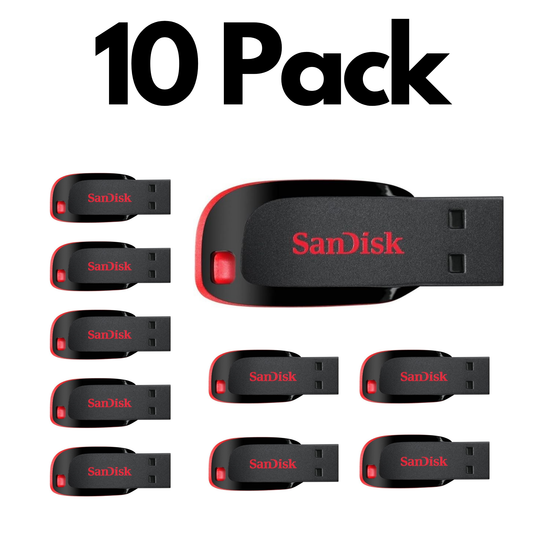
10 Pack SanDisk Cruzer Blade USB, Bulk Flash Drives for Reliable File Storage and Data Transfer
Capacity: 32GB–64GBSale10 Pack SanDisk Cruzer Blade USB, Bulk Flash Drives for Reliable File Storage and Data Transfer
Capacity: 32GB–64GBRegular price From $155.99Sale price From $155.99Unit price perSale -
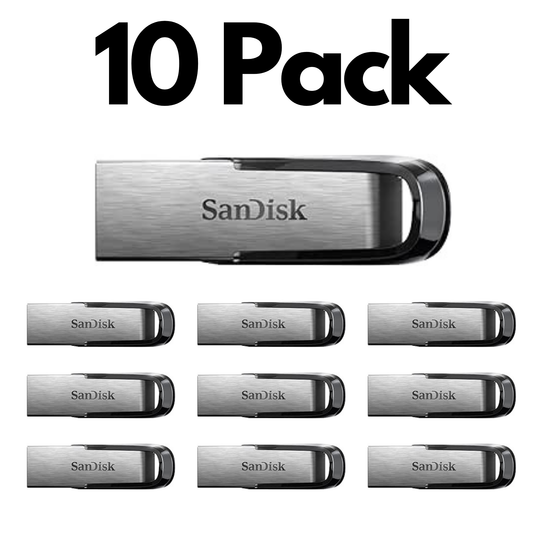
10 Pack SanDisk Ultra Flair USB 3.0, Bulk Flash Drives for High Performance File Storage and Transfer
Capacity: 16GB–256GBSale10 Pack SanDisk Ultra Flair USB 3.0, Bulk Flash Drives for High Performance File Storage and Transfer
Capacity: 16GB–256GBRegular price From $175.99Sale price From $175.99Unit price perSale -
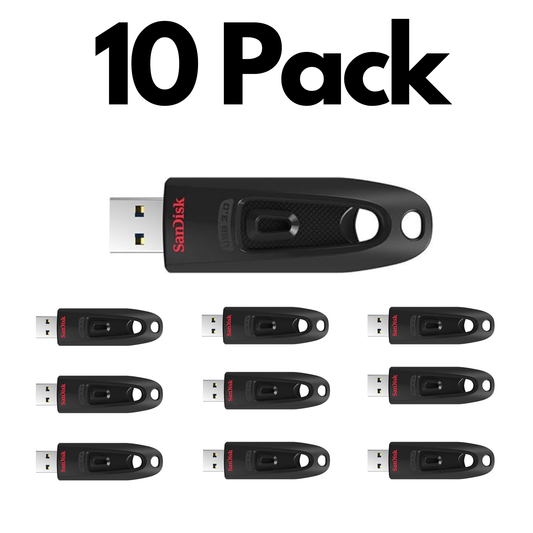
10 Pack SanDisk Ultra USB 3.0, Bulk Flash Drives for Fast File Transfers, Storage and Everyday Use
Capacity: 16GB–256GBSale10 Pack SanDisk Ultra USB 3.0, Bulk Flash Drives for Fast File Transfers, Storage and Everyday Use
Capacity: 16GB–256GBRegular price From $153.99Sale price From $153.99Unit price perSale -

10 Pack SanDisk Ultra Dual Drive Go USB Type-C, Flash Drive for Smartphones, Tablets and USB-C Devices
Capacity: 32GB–256GBSale10 Pack SanDisk Ultra Dual Drive Go USB Type-C, Flash Drive for Smartphones, Tablets and USB-C Devices
Capacity: 32GB–256GBRegular price From $239.99Sale price From $239.99Unit price perSale -
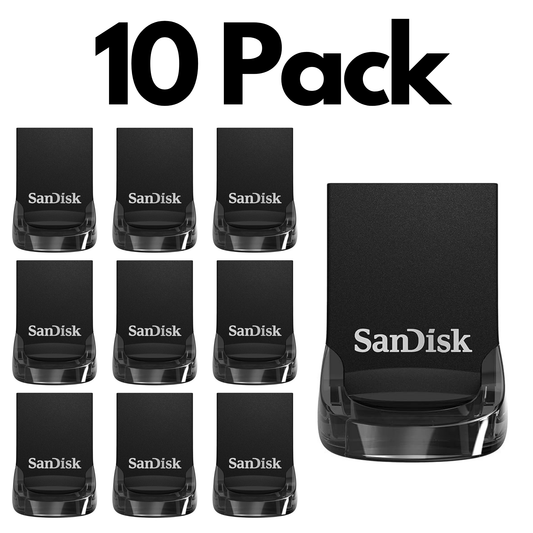
10 Pack SanDisk Ultra Fit USB 3.2 Gen 1, Bulk Flash Drives for Compact Storage and Fast Transfers
Capacity: 32GB–256GBSale10 Pack SanDisk Ultra Fit USB 3.2 Gen 1, Bulk Flash Drives for Compact Storage and Fast Transfers
Capacity: 32GB–256GBRegular price From $205.99Sale price From $205.99Unit price perSale

Trusted by Professionals & Businesses Across Canada


Shop by use case
Shop USB Flash Drives by Use Case
Pick the best USB drive based on how you’ll use it — connector type + speed matter most.

Work & School Transfers (Everyday)
Perfect for documents, presentations, and moving files between computers.
- Connector: USB-A for most laptops/desktops
- Capacity: 32GB–64GB is usually enough
- Tip: USB 3.x feels much faster on large folders

USB-C Phones, Tablets & New Laptops
Move photos, videos, and files quickly with USB-C or dual USB-A + USB-C drives.
- Best fit: USB-C or dual-connector drives
- Use case: mobile content + quick offloads
- Capacity: 64GB–256GB is a great range for most users

Large Files (Photos / Video / Projects)
For big folders, choose higher capacities and faster models to reduce transfer time.
- Capacity: 128GB–256GB+ recommended
- Speed: prioritize USB 3.x for big transfers
- Pick: reliable models for frequent file moves

Bulk Orders (Teams & Deployments)
Ideal for training programs, onboarding kits, and organizational deployments.
- Save time: multi-packs / bulk pricing
- Best for: staff kits, events, distribution
- Tip: standardize capacity for easier management
Choose a USB Flash Drive Capacity
32GB
See 32GB options →Learn more
64GB
See 64GB options →Learn more
128GB
See 128GB options →Learn more
256GB+
See 256GB+ options →Learn more
Learn more
A 10-pack of SanDisk flash drives is a practical choice for businesses, schools, offices, event teams, IT departments, and anyone who needs reliable portable storage for multiple users or devices. Matching USB drives make it easier to distribute files, prepare training materials, create backup copies, and keep equipment kits organized. Choose the capacity based on your files: lower capacities work well for documents and presentations, while 64GB or higher is better for larger photos, videos, software, and backup files. Before ordering, confirm whether your devices need USB-A, USB-C, or dual-connector flash drives.
10-Pack SanDisk Flash Drive FAQ
What is included in a 10-pack flash drive listing?
Each listing includes 10 matching SanDisk flash drives in the model, capacity, and connector type shown in the product title. Check the product details before ordering to confirm the exact USB version, storage capacity, and included accessories.
Who are 10-pack USB flash drives best for?
Bulk flash drives are useful for businesses, schools, offices, IT teams, event organizers, training programs, and anyone who needs multiple matching drives for file distribution, backups, device kits, or employee and student use.
Are all flash drives in a 10-pack the same model and capacity?
Yes. Each 10-pack normally contains the same SanDisk flash drive model, capacity, connector type, and USB specification. Review the product title and specifications to make sure you select the right option for your devices.
What is the difference between USB 2.0 and USB 3.x flash drives?
USB 3.x drives are generally much faster than USB 2.0 drives when transferring larger files such as photos, videos, folders, and backups. USB drives are backward compatible, but transfer speeds depend on both the drive and the port you connect it to.
Should I choose USB-A, USB-C, or a dual-connector flash drive?
Choose USB-A for most desktops and older laptops, USB-C for newer laptops, tablets, and compatible phones, or a dual USB-A + USB-C drive when you regularly move files between both connection types. See compatible options here: Type-C USB drives.
What capacity should I choose when buying flash drives in bulk?
32GB–64GB is often enough for documents, presentations, training files, and everyday use. 128GB is a good choice for larger photo libraries and project folders, while 256GB+ works better for video, software files, archives, and larger backup needs.
Will these flash drives work on both Windows and Mac?
Yes, but file formatting matters. For moving files between Windows and Mac, exFAT is usually the most compatible format for larger files. Always back up important files before reformatting a drive.
Can I use a 10-pack of flash drives with phones and tablets?
Yes, provided your device supports external storage through USB-C or the appropriate adapter. USB-C or dual-connector flash drives are generally the simplest choice for compatible newer phones and tablets. Read more here: best SanDisk USB-C flash drives.
Are flash drives suitable for backups?
Flash drives are useful for portable copies and quick backups, but they should not be the only copy of important files. For critical data, keep at least one additional backup in cloud storage or on another external drive.
How can we keep bulk flash drives organized and secure?
For team or business use, label each drive, use consistent naming, and distribute them through a controlled process. For sensitive files, consider password protection or encryption and avoid storing the only copy of critical data on one USB drive.
Can I request pricing for more than 10 flash drives?
Yes. For higher quantities, use the bulk pricing option on eligible product pages or contact us for a custom quote. You can also learn more about bulk USB purchasing here: why buying USBs in bulk can work for your organization.