

SanDisk Extreme vs Extreme PRO CompactFlash: Which Memory Card Is Right for You?
Need help choosing the right memory card?
Use our quick selector to find the best SanDisk card for your device and usage.
Memory Card Finder
Find the Right SanDisk Memory Card
Answer a few quick questions. We’ll match you with the best SanDisk cards for your setup — then show your top pick plus a strong alternative.
Your recommended SanDisk cards
Like your match? Save 15% on it.
Sign up to our email list and we’ll email you a 15% off code you can use on your recommended SanDisk card.
Still not sure? Contact our team for 1:1 help choosing a card.
How We Score Your Matches
We compare your answers against each SanDisk card’s strengths (device type, video level, endurance, recording pattern and transfer needs). Each good fit adds points; the top score is your “Best match”.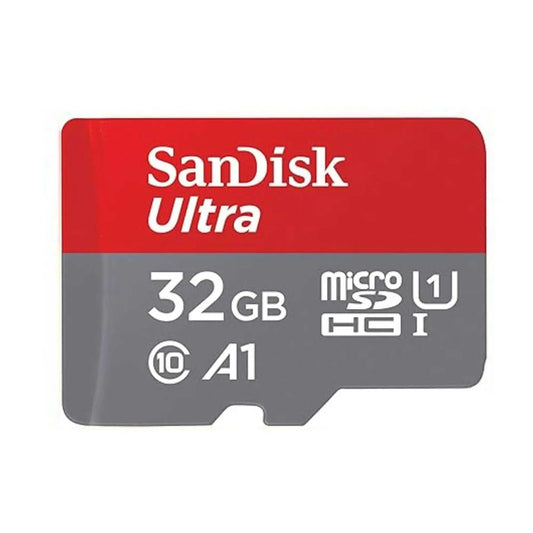
SanDisk Ultra microSDXC UHS-I Memory Card with SD Adapter – C10, A1, Full HD
SanDisk Ultra microSDXC UHS-I Memory Card with SD Adapter – C10, A1, Full HD
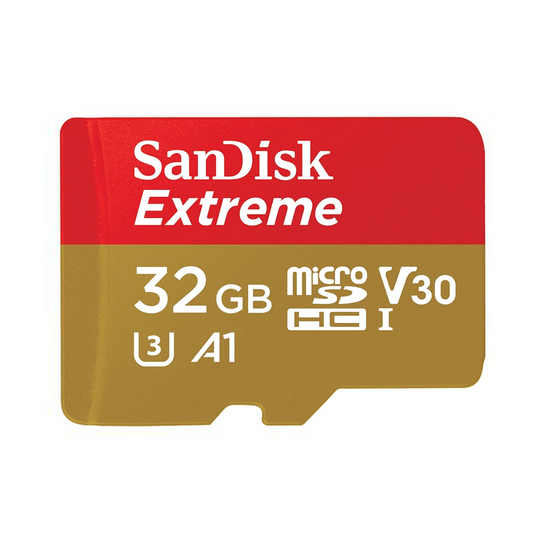
SanDisk Extreme microSDHC UHS-I Memory Card with SD Adapter – U3, A2, C10, 4K UHD
SanDisk Extreme microSDHC UHS-I Memory Card with SD Adapter – U3, A2, C10, 4K UHD

SanDisk Extreme PRO microSDXC UHS-I Memory Card with SD Adapter – U3, A2, C10, 4K UHD
SanDisk Extreme PRO microSDXC UHS-I Memory Card with SD Adapter – U3, A2, C10, 4K UHD
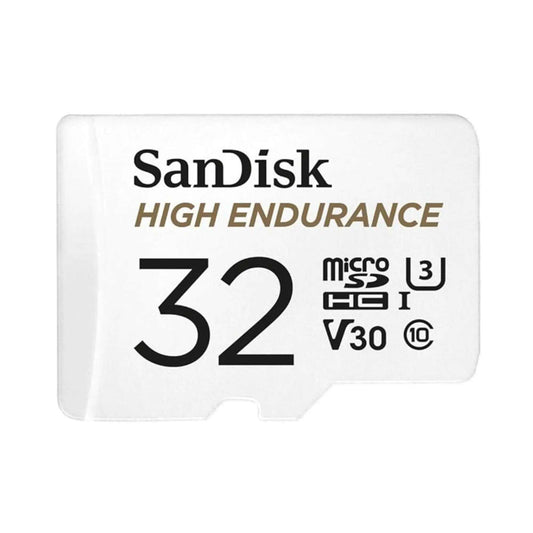
SanDisk High Endurance Video microSDXC UHS-I Memory Card with SD Adapter – U3, C10, V30, 4K UHD

SanDisk MAX Endurance microSDXC UHS-I Memory Card with SD Adapter – U3, C10, V30, 4K UHD
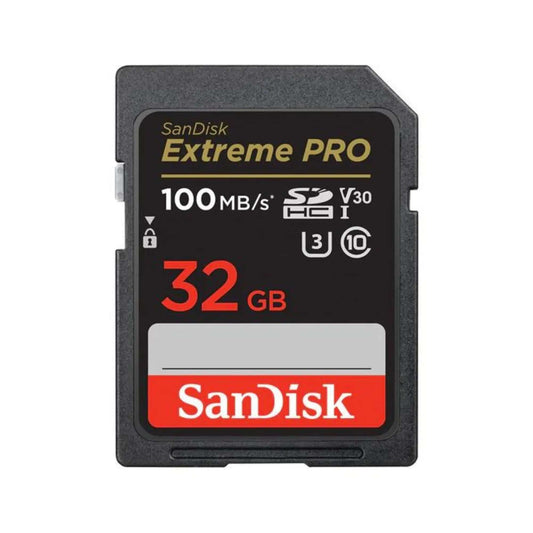
SanDisk Extreme PRO SDXC UHS-I SD Memory Card – U3, V30, C10, 4K UHD Compatible
SanDisk Extreme PRO SDXC UHS-II SD Memory Card – V90, U3, C10, 8K & 4K UHD Compatible
SanDisk Extreme PRO SDXC UHS-II SD Memory Card – V90, U3, C10, 8K & 4K UHD Compatible

SanDisk Express microSDXC Memory Card for Nintendo Switch 2 – C10, U3, 4K/8K
SanDisk Express microSDXC Memory Card for Nintendo Switch 2 – C10, U3, 4K/8K
Choosing the right CompactFlash (CF) memory card can directly impact your photo burst performance, buffer clear times, and video reliability. In this comparison, we’ll break down the SanDisk Extreme CompactFlash versus the SanDisk Extreme PRO CompactFlash so you can choose the best card for your DSLR workflow, cinema-style shooting, or long video takes.
Quick Answer: Which one should you buy?
- Choose SanDisk Extreme CF if you shoot stills and occasional Full HD video and want solid speed at a better value.
- Choose SanDisk Extreme PRO CF if you shoot long, high-bitrate video or need reliable sustained write performance for professional workflows.
Whether you need fast transfers for photography or consistent sustained writes for video, the goal is simple: pick a CF card that matches your camera’s capabilities and your shooting style—without paying for performance you won’t use.
Performance Breakdown: SanDisk Extreme CF vs Extreme PRO CF
| Feature |
 |
 |
|---|---|---|
| Max Read | 120 MB/s | 160 MB/s |
| Max Write | 85 MB/s | 150 MB/s |
| UDMA Version | 7 | 7 |
| Video Performance (VPG) | N/A | VPG-65 (≥ 65 MB/s sustained writes) |
| Temp Range | –25 °C to 85 °C (–13 °F to 185 °F) | –25 °C to 85 °C (–13 °F to 185 °F) |
| Durability | Silicone-coated, shock & vibration | Silicone-coated, shock & vibration |
| Warranty | Limited Lifetime | Limited Lifetime |
| Best For | Enthusiast stills + Full HD video | Pro video workflows + long takes |
Key Differences That Actually Matter
1) Speed & workflow performance
- SanDisk Extreme CF (120 MB/s read, 85 MB/s write): A strong choice for burst photography and everyday DSLR use where you want dependable performance without paying for top-tier sustained writes.
- SanDisk Extreme PRO CF (160 MB/s read, 150 MB/s write): Built for faster clears and heavier workloads—especially when you’re pushing continuous shooting or higher-bitrate recording.
2) Video reliability: VPG-65 explained
- Extreme CF: No official VPG rating. For shorter clips it can be fine, but it’s less ideal when you need guaranteed sustained writes for long video takes.
- Extreme PRO CF: VPG-65 means a minimum sustained write speed of 65 MB/s, helping reduce risk of dropped frames for demanding video work.
3) Who should choose which?
-
Choose SanDisk Extreme CF if you:
- Shoot mostly photos (RAW/JPEG) and occasional Full HD video.
- Want a reliable CF card at a better value.
- Use an older DSLR that benefits more from consistency than guaranteed pro-grade sustained writes.
-
Choose SanDisk Extreme PRO CF if you:
- Shoot long video takes and want sustained write confidence (VPG-65).
- Do continuous bursts and want faster workflow performance.
- Work in demanding conditions and need a higher performance ceiling.
CompactFlash Compatibility Checklist (before you buy)
- Confirm your camera supports CompactFlash (CF) (not CFexpress). Many pro bodies use CFexpress Type B instead of CF.
- UDMA support matters: You’ll get best results when your camera supports UDMA (both cards listed are UDMA-7).
- Your card reader affects speed: A slow reader can bottleneck fast cards—especially for large transfers.
- Format in-camera: For best stability, format your CF card in the camera you’ll be using (instead of only on a computer).
Where to Buy SanDisk CompactFlash (CF) Cards in Canada
If you want to avoid counterfeits and ensure warranty coverage, buy from a trusted retailer and choose the model that matches your workflow:
- SanDisk Extreme CompactFlash (CF) – dependable performance for stills + Full HD video.
- SanDisk Extreme PRO CompactFlash (CF) – higher speeds + VPG-65 for more demanding video workflows.
👉 Browse CompactFlash (CF) Cards on TopSelect →
FAQ: SanDisk Extreme vs Extreme PRO CompactFlash
Which CompactFlash card is best for 4K video recording?
In general, the SanDisk Extreme PRO CompactFlash is the safer pick for demanding video because it offers higher write performance and includes a VPG-65 sustained-write guarantee.
What does VPG-65 mean on the Extreme PRO CF card?
VPG-65 (Video Performance Guarantee) indicates the card can maintain a minimum sustained write speed of 65 MB/s, which helps reduce the risk of dropped frames during long, high-bitrate recording.
What is UDMA-7 and why does it matter?
UDMA-7 is a high-speed CompactFlash interface mode (up to ~167 MB/s theoretical throughput). If your camera supports UDMA, you’ll get better performance—especially for bursts and transfers.
Are these CompactFlash cards compatible with my DSLR or cinema camera?
They’re compatible with cameras that support CompactFlash (CF) and UDMA modes. Always verify whether your camera uses CF or CFexpress (different format) before ordering.
How do I format a CompactFlash card for use?
The most reliable method is formatting in-camera (using your camera’s format menu). If you format on a computer, follow your camera’s recommended file system (commonly FAT32 or exFAT depending on device and capacity).

![SanDisk microSD Express: The High-Speed Storage Upgrade Built for Nintendo Switch 2 (and Beyond) [2026]](http://www.topselect.ca/cdn/shop/articles/Blog_Covers_2_1.png?v=1774635766&width=533)
