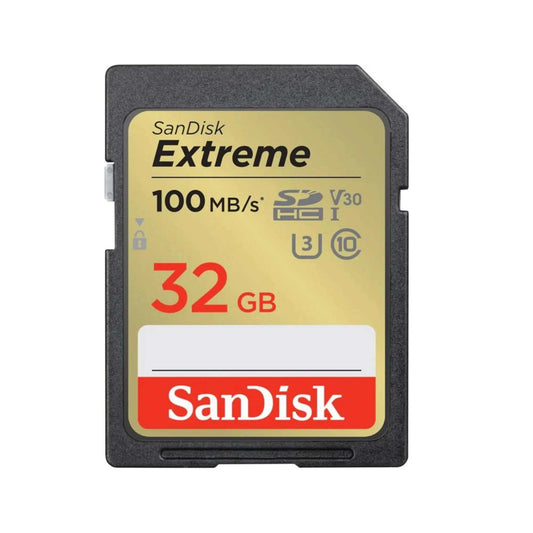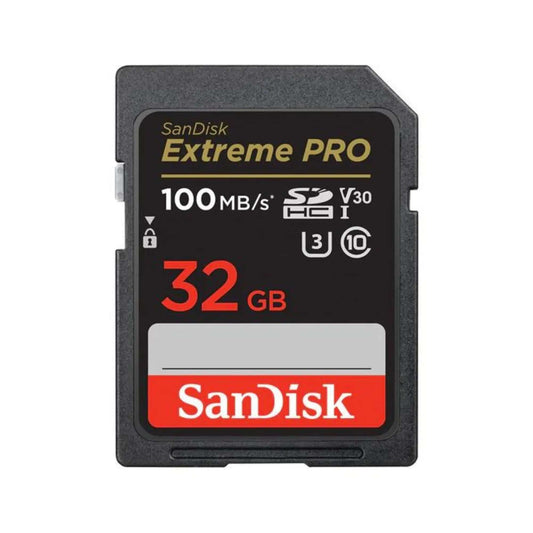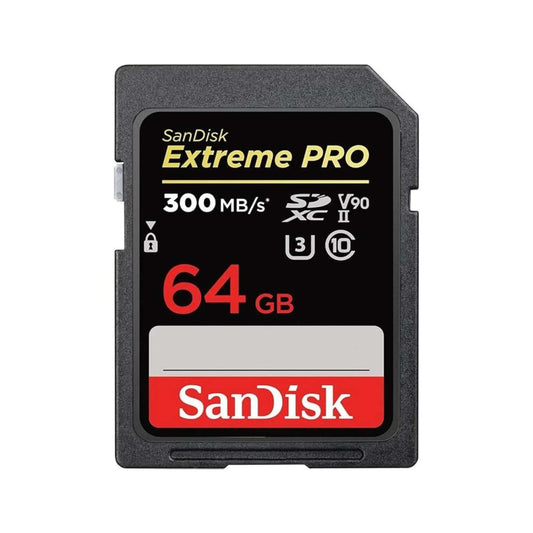
Nintendo Switch console with game library on screen – best memory card options for Switch storage and performance in 2025.

Best Nintendo Switch Memory Cards [2026] – Top microSDXC Cards for Performance & Storage

Need help choosing the right memory card?

Use our quick selector to find the best SanDisk card for your device and usage.

The Nintendo Switch is one of the most popular gaming consoles, but its built-in storage fills up quickly with digital games, DLC, updates, screenshots, and video clips. A reliable microSD card lets you download more games and keep your library organized—without constantly deleting titles.

In this updated Canada-focused guide (2025/2026), you’ll learn which microSD specs matter for Switch, how much storage you actually need, how to install/format your card, and what to consider if you’re buying with Switch 2 in mind.


Quick Picks (Canada)

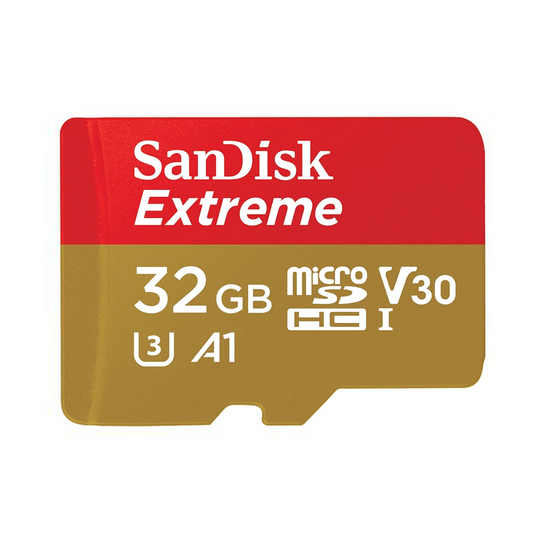
  • Best overall for Switch: SanDisk Extreme microSDXC (fast, reliable, great value) — Shop SanDisk Extreme
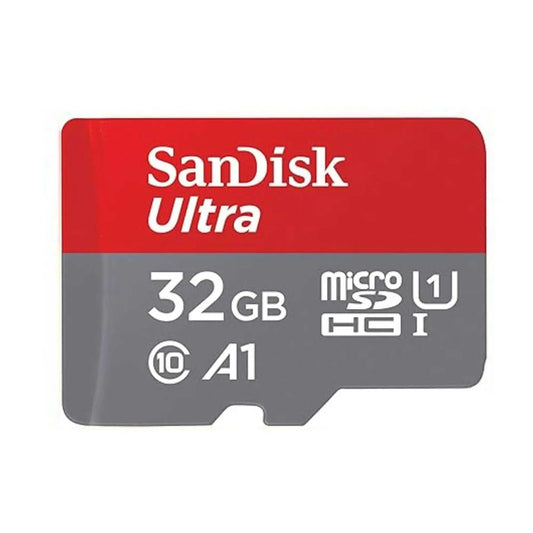
  • Budget-friendly: Look for SanDisk Ultra microSDXC (good for casual users) — Browse options
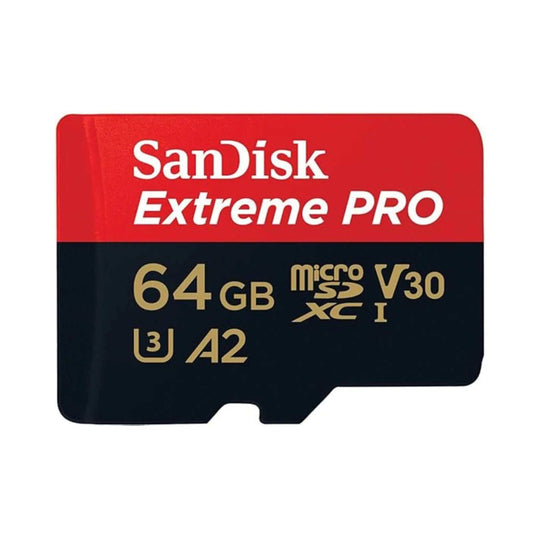
  • High-performance tier: Look for SanDisk Extreme PRO microSDXC (for heavy downloads + large libraries) — Browse options
  • Switch 2-ready: SanDisk microSD Express (SDSQXFN-128G-GN4NN) — Search availability

Why You Need a Memory Card for Nintendo Switch

The Nintendo Switch (32GB internal storage) and Nintendo Switch OLED (64GB internal storage) can fill up fast—even with just a few big games. Expanding your storage with a quality microSD card helps you:

  • Download more digital games and updates
  • Keep your library without deleting older titles
  • Store screenshots, video captures, and DLC hassle-free
  • Reduce storage stress and manage your games more easily

What Memory Cards Does the Nintendo Switch Support?

Nintendo Switch systems support three types of microSD cards:

  • microSD (up to 2GB) — not practical today
  • microSDHC (4GB to 32GB) — fills up quickly
  • microSDXC (64GB and up) — recommended for most gamers

Tip: For the best experience on current Switch models, choose a reliable microSDXC UHS-I card from a trusted brand and buy from a reputable seller to avoid counterfeits.


How Much Storage Do You Need?

Choose capacity based on how you buy games (digital vs physical) and how large your library is:

  • 128GB — casual users (a few digital titles + updates)
  • 256GB — best overall balance for most players
  • 512GB+ — heavy digital libraries, lots of AAA titles, families sharing a console

Practical rule: If you buy digital often, start at 256GB. If you frequently download AAA titles, aim for 512GB to avoid running out of space.


Best Nintendo Switch microSD Cards to Buy (2025/2026)

1) SanDisk Extreme microSDXC (Best Overall)

  • Best for: most Switch gamers
  • Why: consistent performance, trusted reliability, excellent value
  • Shop: SanDisk Extreme microSDXC

2) SanDisk Ultra microSDXC (Best Budget Option)

  • Best for: casual gamers who mainly play a few titles
  • Why: affordable, widely compatible, solid everyday performance
  • Shop: Browse SanDisk Ultra options

3) SanDisk Extreme PRO microSDXC (High-Performance Tier)


Buying for Nintendo Switch 2: microSD Express (What to Know)

If you’re buying a card specifically with Switch 2 in mind, pay attention to microSD Express. It’s a newer standard designed for much higher performance than traditional microSD cards.

  • Recommended Switch 2-ready pick: SanDisk microSD Express (SDSQXFN-128G-GN4NN) — Search on TopSelect

Important: For current Nintendo Switch models, a high-quality microSDXC UHS-I card is still the practical choice. microSD Express is mainly for next-gen compatibility and future-proofing.


How to Install & Format a microSD Card on Nintendo Switch

  1. Power off your Nintendo Switch completely.
  2. Open the microSD card slot (behind the kickstand on standard/OLED models).
  3. Insert the card gently with the label facing outward.
  4. Power on the console. If prompted, follow the on-screen steps to format the card.

Tip: Only insert/remove your microSD card while the Switch is powered off to reduce the risk of data corruption.


Where to Buy Nintendo Switch microSD Cards in Canada

At TopSelect.ca, we focus on reliable storage options and fast Canadian shipping. Browse our current selection here:


FAQs: Nintendo Switch Memory Cards

What microSD card should I buy for Nintendo Switch?

For most users, a microSDXC UHS-I card from a trusted brand is the best balance of price, reliability, and performance. 256GB is usually the best starting point for digital buyers.

What’s the maximum microSD card size the Nintendo Switch supports?

Nintendo Switch systems support microSDXC, and larger capacities are commonly used. If you’re buying big, choose a reputable seller to avoid counterfeits.

Do I need to format a new microSD card?

Sometimes. The Switch may prompt formatting for best compatibility. Formatting erases data, so back up anything important first.

Will a faster card improve game performance?

It can help with downloads and file handling, but don’t expect miracles in frame rate. Prioritize reliability and a reputable card line over chasing specs.

What is microSD Express and do I need it?

microSD Express is a newer standard designed for much higher speeds. It’s mainly relevant if you’re buying specifically for next-gen Switch compatibility and future-proofing.

Back to blog

Leave a comment

Please note, comments need to be approved before they are published.