
SanDisk microSD Cards in Canada (microSDHC & microSDXC)
-

SanDisk Extreme microSDXC UHS-I Memory Card with SD Adapter – U3, A2, C10, 4K UHD
Capacity: 32GB–2TBSaleSanDisk Extreme microSDXC UHS-I Memory Card with SD Adapter – U3, A2, C10, 4K UHD
Capacity: 32GB–2TBRegular price From $32.99Sale price From $32.99Unit price perSale -

SanDisk Extreme PRO microSDXC UHS-I Memory Card with SD Adapter – U3, A2, C10, 4K UHD
Capacity: 32GB–2TBSaleSanDisk Extreme PRO microSDXC UHS-I Memory Card with SD Adapter – U3, A2, C10, 4K UHD
Capacity: 32GB–2TBRegular price From $35.99Sale price From $35.99Unit price perSale -
New!

SanDisk Extreme PRO microSDXC UHS-I Memory Card – New Generation with SD Adapter, U3, A2, C10, 4K UHD
Capacity: 256GB–1TBRegular price From $134.99Sale price From $134.99Unit price perSale -

SanDisk Ultra microSDXC UHS-I Memory Card with SD Adapter – C10, A1, Full HD
Capacity: 32GB–1.5TBSaleSanDisk Ultra microSDXC UHS-I Memory Card with SD Adapter – C10, A1, Full HD
Capacity: 32GB–1.5TBRegular price From $27.99Sale price From $27.99Unit price perSale -

SanDisk High Endurance Video microSDXC UHS-I Memory Card with SD Adapter – U3, C10, V30, 4K UHD
Capacity: 32GB–512GBRegular price From $33.49Sale price From $33.49Unit price per -

SanDisk MAX Endurance microSDXC UHS-I Memory Card with SD Adapter – U3, C10, V30, 4K UHD
Capacity: 64GB–256GBRegular price From $64.99Sale price From $64.99Unit price per -

SanDisk Express microSDXC Memory Card for Nintendo Switch 2 – C10, U3, 4K/8K
Capacity: 128GB–256GBSanDisk Express microSDXC Memory Card for Nintendo Switch 2 – C10, U3, 4K/8K
Capacity: 128GB–256GBRegular price From $80.99Sale price From $80.99Unit price per -

Samsung P9 Express microSDXC microSD Express Memory Card – Up to 800MB/s, U3, C10
Capacity: 256GB–512GBSamsung P9 Express microSDXC microSD Express Memory Card – Up to 800MB/s, U3, C10
Capacity: 256GB–512GBRegular price From $85.99Sale price From $85.99Unit price per -
Samsung 256GB microSD Express, Micro SD Card for Nintendo Switch 2
Regular price $85.99Sale price $85.99Unit price per -

10 Pack SanDisk Extreme microSDXC UHS-I Memory Card with SD Adapter – U3, A2, C10, 4K UHD
Capacity: 32GB–256GBSale10 Pack SanDisk Extreme microSDXC UHS-I Memory Card with SD Adapter – U3, A2, C10, 4K UHD
Capacity: 32GB–256GBRegular price From $305.99Sale price From $305.99Unit price perSale -
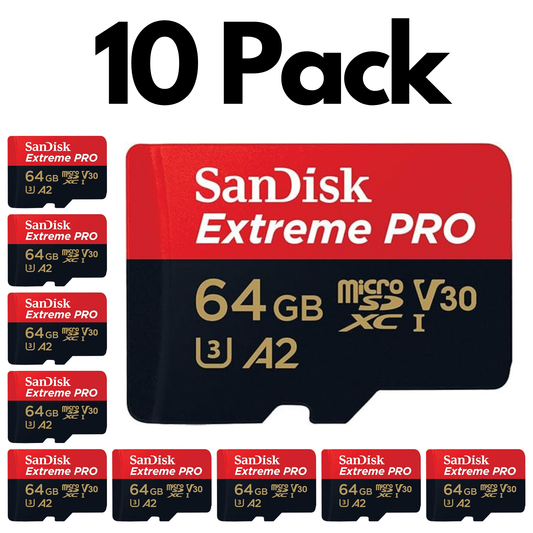
10 Pack SanDisk Extreme PRO microSDXC UHS-I Memory Card with SD Adapter – U3, A2, C10, 4K UHD
Capacity: 64GB–256GBSale10 Pack SanDisk Extreme PRO microSDXC UHS-I Memory Card with SD Adapter – U3, A2, C10, 4K UHD
Capacity: 64GB–256GBRegular price From $415.99Sale price From $415.99Unit price perSale -
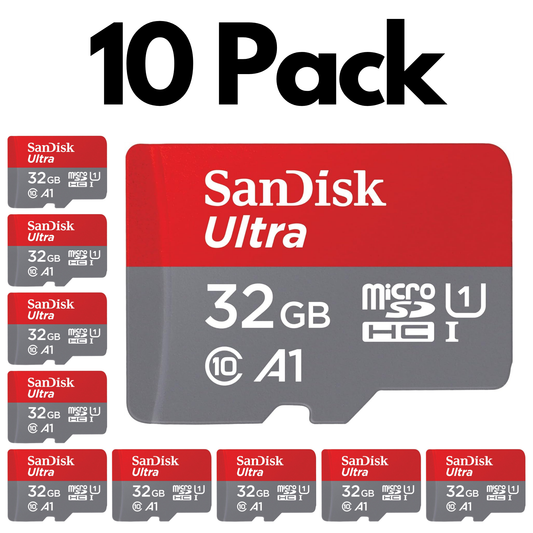
10 Pack SanDisk Ultra microSDXC UHS-I Memory Card with SD Adapter – C10, A1, Full HD
Capacity: 32GB–512GBSale10 Pack SanDisk Ultra microSDXC UHS-I Memory Card with SD Adapter – C10, A1, Full HD
Capacity: 32GB–512GBRegular price From $265.99Sale price From $265.99Unit price perSale -
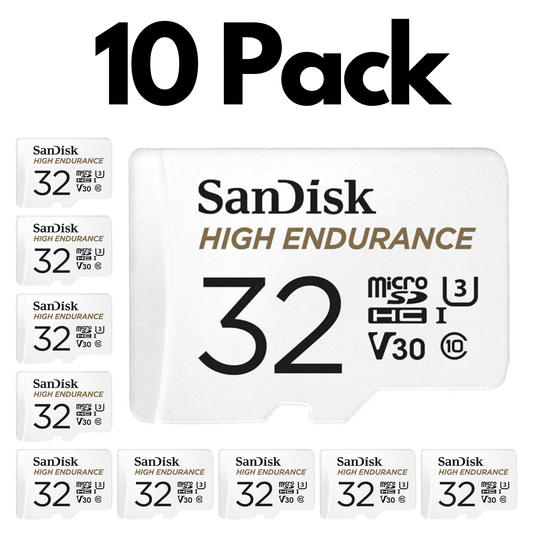
10 Pack SanDisk High Endurance Video microSDXC UHS-I Memory Card with SD Adapter – U3, C10, V30
Capacity: 32GB–256GBSale10 Pack SanDisk High Endurance Video microSDXC UHS-I Memory Card with SD Adapter – U3, C10, V30
Capacity: 32GB–256GBRegular price From $315.99Sale price From $315.99Unit price perSale -
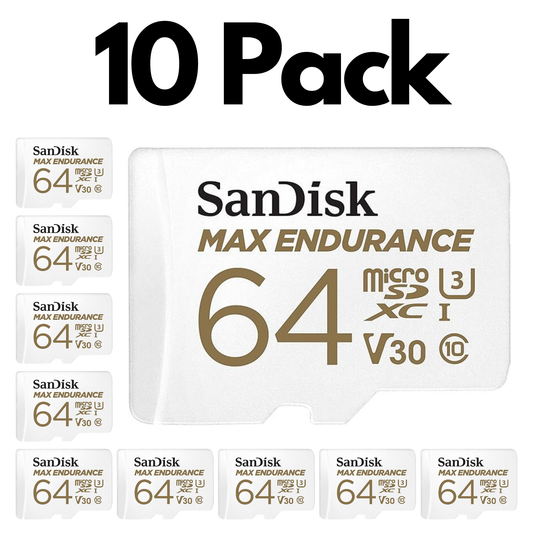
10 Pack SanDisk MAX Endurance microSDXC UHS-I Memory Card with SD Adapter – U3, C10, V30
Capacity: 64GB–256GBSale10 Pack SanDisk MAX Endurance microSDXC UHS-I Memory Card with SD Adapter – U3, C10, V30
Capacity: 64GB–256GBRegular price From $630.99Sale price From $630.99Unit price perSale -
SanDisk Ultra microSDXC UHS-I Memory Card – Up to 100MB/s Read Speed
Capacity: 256GBRegular price $63.99Sale price $63.99Unit price per


Trusted by Professionals & Businesses Across Canada


Shop microSD Cards by Use Case
Pick a microSD card based on what your device needs most — endurance for nonstop recording, speed for 4K, or app performance.

Dash Cams & Security Cameras
Built for constant overwrite and more reliable continuous recording.
- Best fit: High Endurance microSDXC
- Capacity: 128GB–256GB+ recommended
- Speed: V30 / U3 for 4K-capable systems

Nintendo Switch & Gaming
Expand game storage with microSDXC (64GB+). 128GB–256GB is a popular range.
- Best fit: microSDXC for downloads
- Capacity: 128GB–256GB+ for most gamers

Drones, GoPro & 4K Action Video
Choose consistent write speed to prevent dropped frames.
- Speed: U3 / V30 (or better)
- Capacity: 64GB–256GB depending on session length
- Pick: SanDisk Extreme / Extreme PRO

Phones & Tablets (Apps + Storage)
Great for Android storage, media downloads, and expanding space.
- Best fit: A1/A2-rated cards (app performance)
- Capacity: 64GB–256GB for most users
Choose a microSD Memory Card by Capacity
64GB
See 64GB options →Learn more
128GB
See 128GB options →Learn more
256GB
See 256GB options →Learn more
512GB+
See 512GB+ options →Learn more
Learn more
Shop authentic SanDisk microSD cards in Canada — including microSDHC and microSDXC — for phones and tablets, Nintendo Switch, drones, action cameras, dash cams, and home security cameras. microSD is the smaller version of an SD card used in compact devices; with an adapter, it can also fit many SD card slots. Choose the capacity that matches your workflow: a microSD card 64GB for everyday storage, 128GB for photos and apps, or 256GB+ for 4K video and larger libraries. For smooth recording, match speed ratings to your device (U1 for basic Full HD; U3/V30 for 4K).
Choosing the Right SanDisk microSD
What’s the difference between microSD, microSDHC, and microSDXC?
The main difference is capacity and the file system used. microSDHC is typically up to 32GB, while microSDXC is 64GB and higher. Many modern devices support microSDXC, but older devices may only support microSDHC. Learn more here: SDHC vs SDXC explained.
What microSD speed rating do I need for 4K video?
For most 4K recording, choose U3 or V30 minimum to help avoid dropped frames. If you’re unsure what the symbols mean, see: SD card symbols explained.
What’s best for dash cams and security cameras?
For continuous recording, choose High Endurance microSD cards designed for constant overwrite. Pair that with enough capacity (often 128GB+) and format in-device on a regular schedule.
Which microSD card is best for Nintendo Switch?
Most gamers should choose microSDXC (64GB+) and many prefer 128GB–256GB+ depending on downloads. See our picks here: best Nintendo Switch memory cards.
What do A1 / A2 ratings mean on a microSD card?
A1 and A2 are app performance ratings that can improve how apps behave on supported Android devices (faster loading and smoother performance). For phones and tablets, A1/A2 can be a helpful factor alongside capacity.
Do I need to format a new microSD card?
It’s recommended—especially when moving between devices. Many cameras and dash cams work best when you format in-device. Follow this guide: how to format an SD card.
How can I avoid counterfeit microSD cards?
Buy from reputable sellers, avoid unusually low prices, and verify packaging and capacity. Authentic cards reduce the risk of fake capacity, early failure, and data loss.
What should I do if my microSD card is corrupted?
Stop using it, try recovery steps, and avoid writing new files to the card. Use our guide: recover photos from a corrupted memory card.