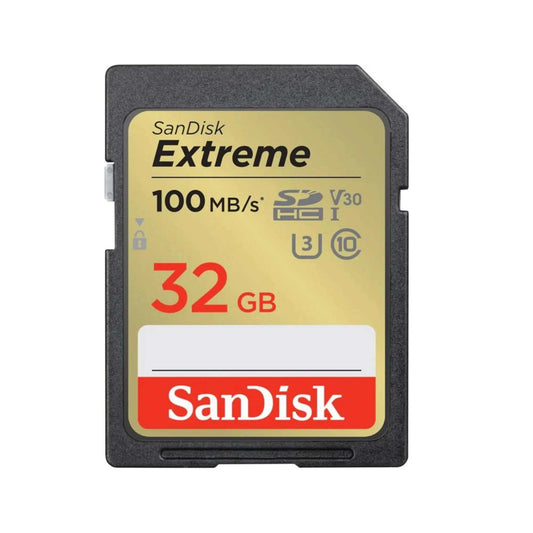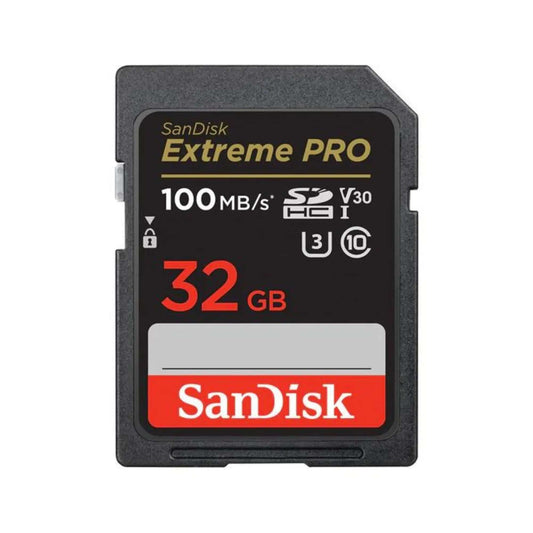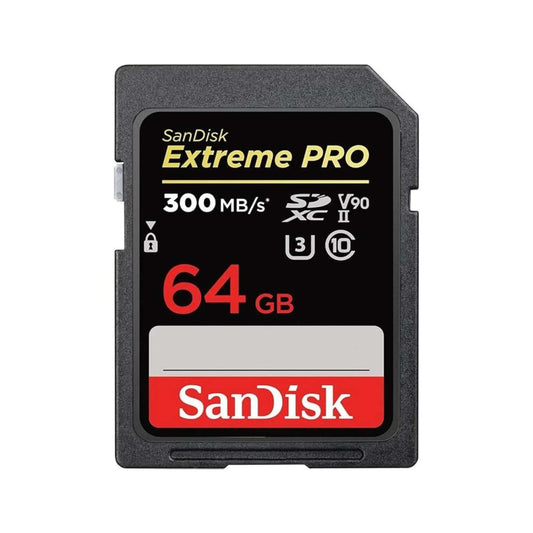
SanDisk-Extreme-Pro-microSDXC-memory-cards-use-cases Top Select

SanDisk Extreme Pro microSDXC memory cards use cases

Need help choosing the right memory card?

Use our quick selector to find the best SanDisk card for your device and usage.

SanDisk Extreme PRO microSDXC Memory Cards: Use Cases, Specs & Buyer Guide

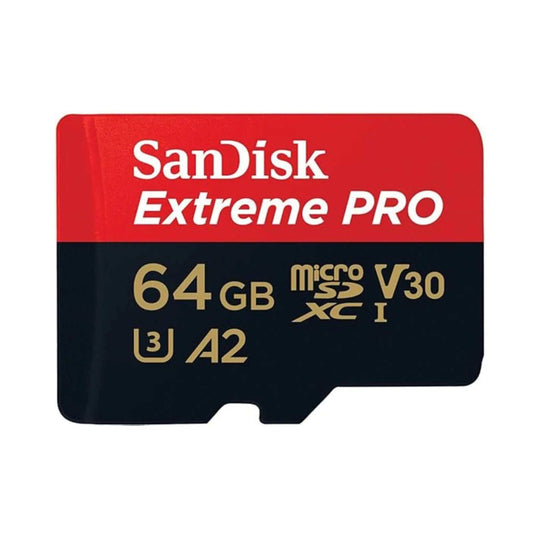
SanDisk Extreme PRO microSDXC cards are built for creators and power users who need dependable performance for 4K video, fast transfers, and demanding workflows. This guide breaks down the most common real-world use cases, what specs matter (UHS, U3, V30, A2), and which SanDisk card line is best for each job.


Quick Summary: Best SanDisk microSD Cards by Use Case

Use Case Best Pick Why It Fits Shop
Drones & Action Cams (GoPro, DJI) SanDisk Extreme PRO microSD Designed for high-bitrate recording + faster offloads (ideal for 4K workflows). Shop Extreme PRO
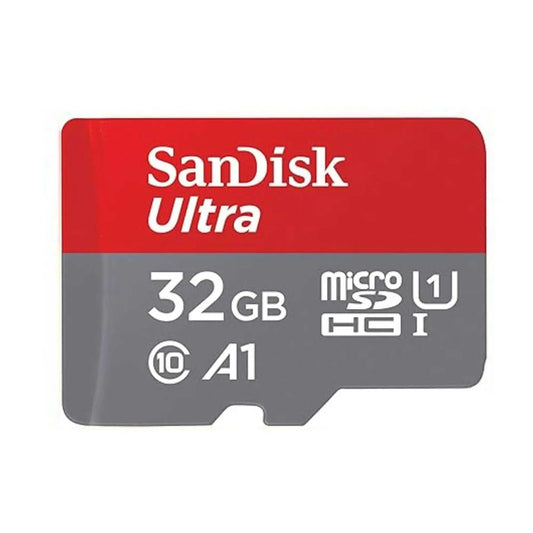
Phones/Tablets (everyday storage) SanDisk Ultra microSD Best value for photos, apps, and media (when you don’t need pro video speeds). Shop Ultra
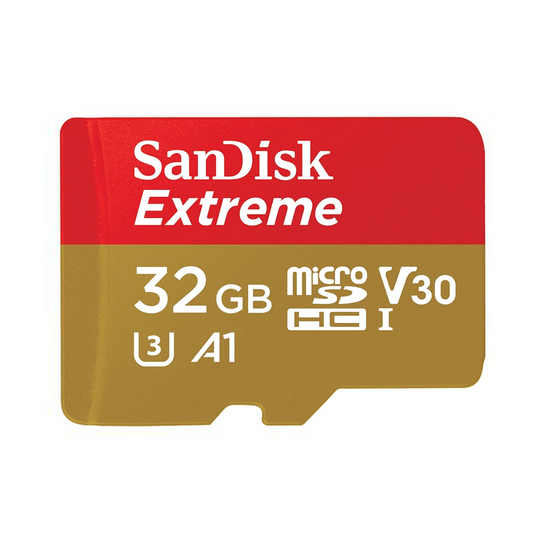
Gaming (Switch / handhelds) SanDisk Extreme / Extreme PRO Great balance of speed + reliability for downloads, updates, and faster transfers. Shop Extreme
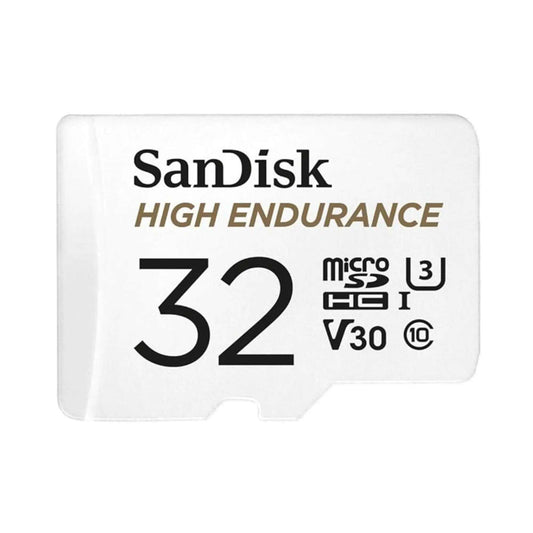
Dash Cams / Home Security Cams SanDisk Max Endurance Built for continuous recording cycles and long-term reliability. Shop Max Endurance
Nintendo Switch 2 readiness SanDisk microSD Express Next-gen performance class for compatible systems (where microSD Express is supported). Shop microSD Express

Want to browse all options and capacities in one place? Shop microSD cards at TopSelect.ca.


Compatibility Checklist (Don’t Skip This)

  • Card type: Make sure your device supports microSDXC (most modern devices do).
  • Speed support: Most devices use UHS-I. Your device may benefit from faster cards, but it will only run at what it supports.
  • Video recording: For 4K, look for U3 / V30 (or higher) on the card.
  • Gaming systems: Some next-gen devices may require or benefit from microSD Express. Always confirm compatibility before buying.

Specs Cheat Sheet (What the Labels Actually Mean)

Spec What it affects Best for
UHS-I Bus/interface compatibility Most phones, drones, action cams, gaming consoles
U3 Sustained write performance class 4K recording, high-bitrate action footage
V30 / V60 / V90 Video speed guarantee (sustained writes) 4K/8K workflows (depends on your camera/bitrate)
A1 / A2 App loading + random I/O performance Android storage expansion, handheld devices

Top Use Cases for SanDisk Extreme PRO microSDXC

1) 4K / High-Bitrate Video (Action Cams, Drones, Field Work)

If you record in 4K (or higher bitrates), your biggest enemy is dropped frames caused by weak sustained writes. Extreme PRO is typically chosen when you want a more “pro-grade” safety margin for demanding video capture and faster offloads.

  • Best for: GoPro, DJI drones, rugged travel shooting
  • Look for: U3 / V30 (or higher where needed), and buy genuine cards from trusted retailers

Shop SanDisk Extreme PRO microSDXC

2) Fast Shooting + Quick Transfers (Creators & Pros)

Even if you’re not doing long video takes, creators often choose Extreme PRO for faster transfer times to a laptop/editing station—especially when moving lots of clips and large files.

3) Gaming Storage (Nintendo Switch & Handheld Devices)

For gaming systems, you want reliable storage for downloads, updates, and quick access. Many gamers choose Extreme or Extreme PRO for a speed/reliability upgrade.

  • Switch tip: Stick to microSDXC and buy the capacity you’ll grow into.
  • Switch 2 note: If your system supports microSD Express, that category is a separate performance class—confirm compatibility first.

Shop SanDisk Extreme microSD  |  Shop SanDisk microSD Express

Related guide: Best Nintendo Switch Memory Cards (Top Picks)

4) Phones & Tablets (Storage Expansion + App Use)

If you’re mostly storing photos, downloads, offline media, or general files, you usually don’t need Extreme PRO. A value-focused microSD like Ultra is often enough unless you’re recording heavy 4K content directly to the card.

Shop SanDisk Ultra microSDXC

5) Continuous Recording (Dash Cams / Security Cameras)

Extreme PRO is a performance card. For 24/7 recording, endurance-rated cards are typically the safer choice because they’re designed for continuous overwrite cycles.

Shop SanDisk Max Endurance microSDXC


Capacity Guide (How Much Storage Do You Actually Need?)

  • 128GB: light-to-moderate use, casual 4K clips, smaller libraries
  • 256GB: a strong “sweet spot” for most 4K creators and drone/action cam users
  • 512GB+: heavy creators, travel shooters, large gaming libraries, fewer swaps on long days

Pro tip: Bigger isn’t always better if you never offload—choose a size that matches your workflow and back up regularly.


FAQ: SanDisk Extreme PRO microSDXC

Is SanDisk Extreme PRO overkill for GoPro 4K?

If you shoot short clips, you may be fine with a strong mid-tier option. If you shoot high-bitrate 4K, long sessions, or want faster offloads and more headroom, Extreme PRO is often worth it.

What specs matter most for drones and action cams?

Prioritize sustained video performance (U3 / V30 or higher where needed), plus reliability. Match the card to your camera’s bitrate and recording mode.

Extreme vs Extreme PRO: what’s the real difference?

Both are high-performance lines, but Extreme PRO generally targets the most demanding workflows and faster transfers. Your actual benefit depends on your device and recording settings.

Do I need microSD Express for Nintendo Switch 2?

Only if the device specifically supports or requires microSD Express. Always confirm system compatibility before purchasing.

Why use Max Endurance for dash cams instead of Extreme PRO?

Dash cams and security cams overwrite constantly. Endurance cards are designed for continuous recording cycles, which is typically the better match for 24/7 use.

How can I avoid counterfeit memory cards?

Buy from trusted retailers and avoid unusually cheap listings. Authentic cards are more reliable and are covered under proper warranty support.


Where to Buy Genuine SanDisk microSD Cards in Canada

If you want fast shipping and authentic stock, browse the full selection here:

Shop microSD Cards at TopSelect.ca

Related read: SanDisk Extreme vs Extreme PRO CompactFlash: Which One Is Right for You?

Back to blog

Leave a comment

Please note, comments need to be approved before they are published.