

SanDisk microSD Extreme vs Extreme PRO: Which Should You Buy? (2026 Guide)
Need help choosing the right memory card?
Use our quick selector to find the best SanDisk card for your device and usage.
Memory Card Finder
Find the Right SanDisk Memory Card
Answer a few quick questions. We’ll match you with the best SanDisk cards for your setup — then show your top pick plus a strong alternative.
Your recommended SanDisk cards
Like your match? Save 15% on it.
Sign up to our email list and we’ll email you a 15% off code you can use on your recommended SanDisk card.
Still not sure? Contact our team for 1:1 help choosing a card.
How We Score Your Matches
We compare your answers against each SanDisk card’s strengths (device type, video level, endurance, recording pattern and transfer needs). Each good fit adds points; the top score is your “Best match”.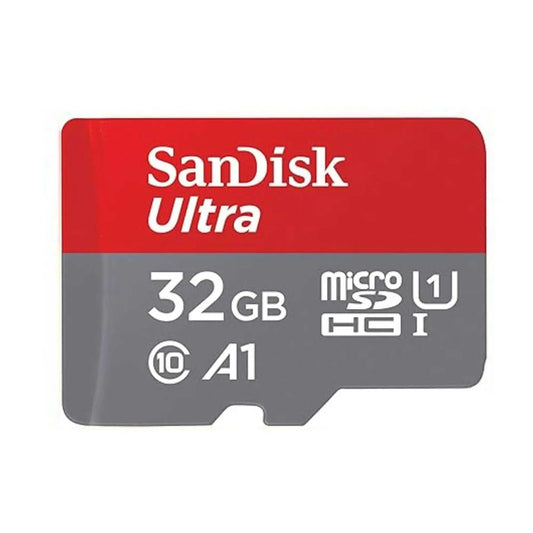
SanDisk Ultra microSDXC UHS-I Memory Card with SD Adapter – C10, A1, Full HD
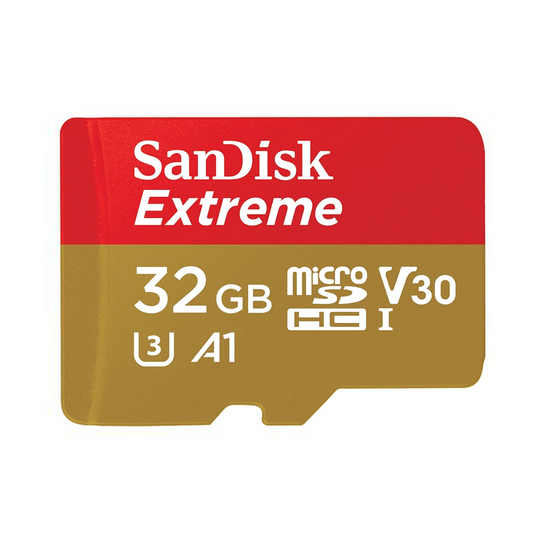
SanDisk Extreme microSDHC UHS-I Memory Card with SD Adapter – U3, A2, C10, 4K UHD
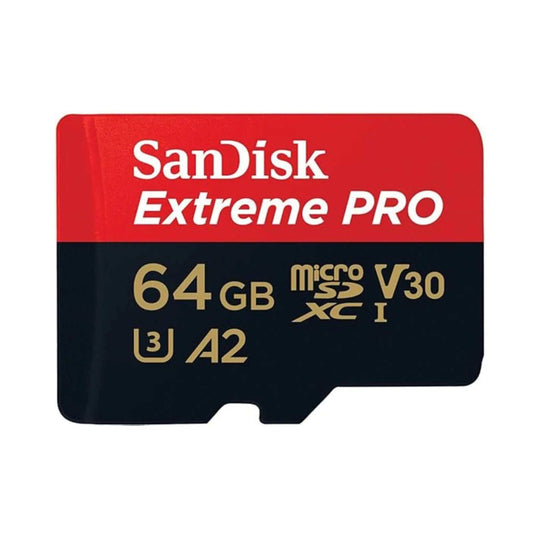
SanDisk Extreme PRO microSDXC UHS-I Memory Card with SD Adapter – U3, A2, C10, 4K UHD
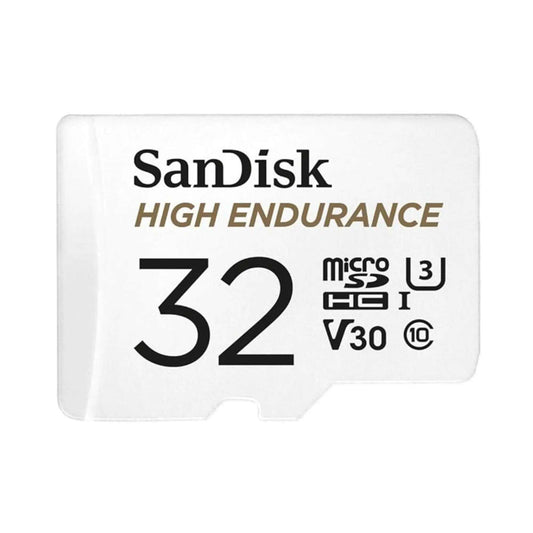
SanDisk High Endurance Video microSDXC UHS-I Memory Card with SD Adapter – U3, C10, V30, 4K UHD

SanDisk MAX Endurance microSDXC UHS-I Memory Card with SD Adapter – U3, C10, V30, 4K UHD
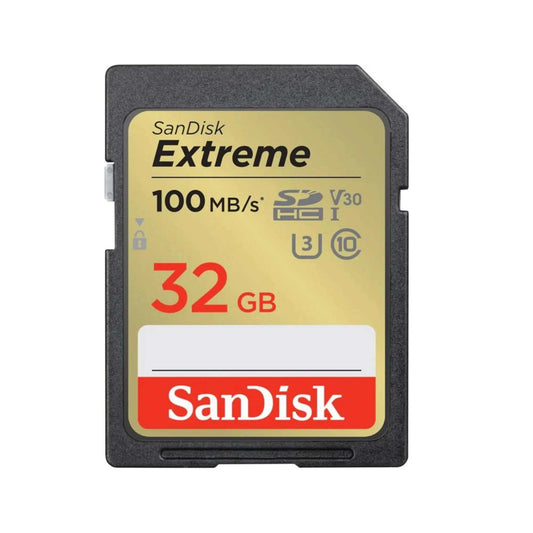
SanDisk 32GB Extreme SDXC UHS-I SD Memory Card – U3, V30, C10, 4K UHD Compatible
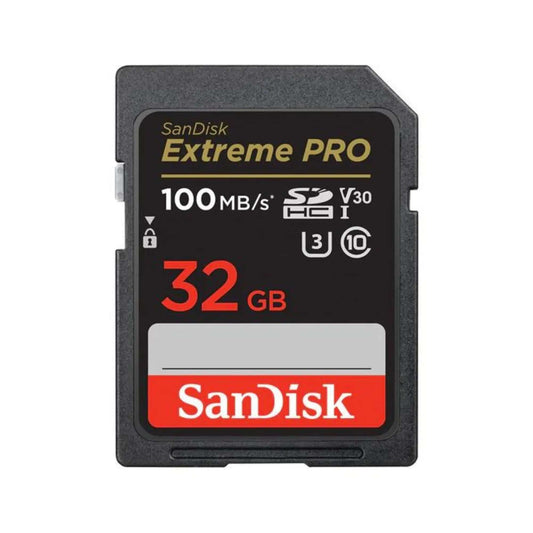
SanDisk Extreme PRO SDXC UHS-I SD Memory Card – U3, V30, C10, 4K UHD Compatible
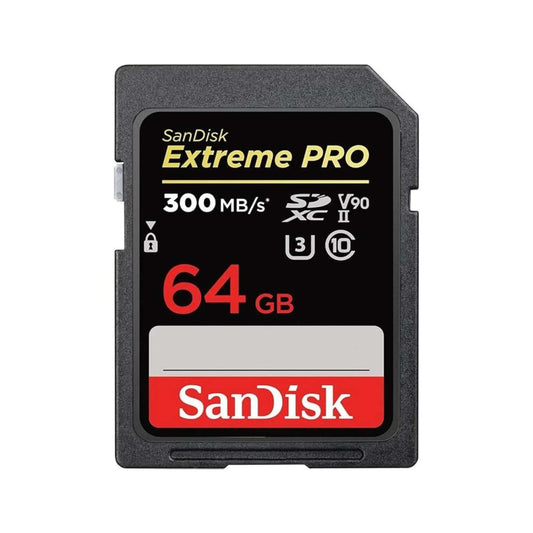
SanDisk Extreme PRO SDXC UHS-II SD Memory Card – V90, U3, C10, 8K & 4K UHD Compatible

SanDisk Express microSDXC Memory Card for Nintendo Switch 2 – C10, U3, 4K/8K
Choosing between SanDisk microSD Extreme and SanDisk microSD Extreme PRO can feel confusing—especially if you want the best performance for a GoPro, DJI drone, camera, or smartphone. In this buyer’s guide, we compare real-world differences in speed, reliability, and use cases so you can pick the best SanDisk microSD for your needs in Canada.
Quick Verdict (TL;DR)
- Choose SanDisk Extreme if you want the best value for most users: GoPro/action cams, drones, Nintendo Switch, smartphones, and everyday 4K.
- Choose SanDisk Extreme PRO if you shoot longer/high-bitrate 4K/5K, do heavy burst photo/RAW workflows, or want higher write-speed headroom and faster transfers.
Shop: SanDisk Extreme | SanDisk Extreme PRO | All microSD Cards
Jump to Section
- 1) Quick specs comparison
- 2) Speed & performance
- 3) Durability & reliability
- 4) Ideal use cases by device
- 5) Value & price (ROI)
- Final thoughts
- FAQs
1. SanDisk Extreme vs Extreme PRO: Quick Specs Comparison
Before diving into details, here’s a side-by-side look at the key specs. Note: “up to” speeds depend on capacity, device limits, and the card reader used.
| Feature / Spec |
|
|
|---|---|---|
| Capacity Options | 32GB–1TB | 64GB–1TB |
| Max Read Speed | Up to 190MB/s | Up to 200MB/s |
| Max Write Speed | Up to 90MB/s | Up to 140MB/s |
| Speed Class | UHS-I, U3/V30, A2 (varies by capacity/label) | UHS-I, U3/V30, A2 (varies by capacity/label) |
| Durability | Waterproof, shockproof, temp-proof, X-ray proof | Same durability class as Extreme |
| 4K Video Support | Yes (U3/V30) | Yes (U3/V30, more headroom for demanding capture) |
| Ideal For | GoPro/action cams, drones, smartphones, Switch, general photography | High-bitrate 4K/5K, burst RAW, heavier pro workflows |
| Warranty | Lifetime (Canada) | Lifetime (Canada) |
| Included Adapter | Yes | Yes |


Key Takeaway: Both cards are fast and durable, but Extreme PRO is designed for higher write-speed headroom and more consistent performance under heavier workloads—making it a better choice for long-form 4K/5K video, burst photography, and professional workflows.
2. Speed & Performance: Which Card Is Faster?
When choosing a microSD card for demanding tasks like drone footage and 4K video, write speed often matters more than read speed—especially for long clips and continuous capture.
SanDisk Extreme microSD
- Max Read Speed: Up to 190MB/s
- Max Write Speed: Up to 90MB/s
-
Real-world performance:
- Excellent for GoPro/action cams, drones, dashcams, smartphones, Nintendo Switch storage, and typical 4K.
- Strong all-around performance for photo bursts and everyday transfers (results vary by device and reader).
SanDisk Extreme PRO microSD
- Max Read Speed: Up to 200MB/s
- Max Write Speed: Up to 140MB/s
-
Real-world performance:
- Better for demanding 4K/5K capture, heavier burst shooting, and large file workflows.
- More write-speed headroom can help reduce the risk of slowdowns during longer, high-bitrate recordings.
Which Card Is Faster in Practice?
- Both cards support modern standards (UHS-I / U3-V30 on most versions), but Extreme PRO’s higher write speed gives it a clear edge for heavy capture and faster offloads—especially when paired with a good reader.
- For everyday use (typical 4K, drones, action cams, phones, Switch storage), Extreme is usually plenty fast.
Practical rule: If you regularly shoot long, high-bitrate clips or want the fastest transfers, go PRO. If you want excellent performance and value, go Extreme.
3. Durability & Reliability for Pro Workflows
Both SanDisk Extreme and Extreme PRO are made for field use—travel, outdoor shoots, and harsh environments.
Shared Durability Features
-
Waterproof, shockproof, temperature-proof, and X-ray-proof:
Built to handle drops, splashes, and tough conditions. -
Lifetime warranty (Canada):
Long-term peace of mind for your storage investment.
Extreme PRO: A Small Edge for Heavy Workloads
-
More headroom under stress:
If you’re recording longer, higher-bitrate video or pushing continuous capture, Extreme PRO’s write-speed advantage can be valuable. -
Better fit for mission-critical work:
Pros often choose the PRO line for consistent performance when reshoots are expensive or impossible.
Bottom Line: For most users, both cards are tough enough. If your work is mission-critical or you constantly push high-bitrate capture, Extreme PRO is the safer pick.
4. Ideal Use Cases: Which Card Fits Your Device?
Here’s the simplest way to match the card to your setup.
SanDisk Extreme microSD
Best for:
- GoPro / action cameras: Smooth 4K/HD recording for most users.
- Drones: Reliable storage for aerial photo + stable 4K capture.
- Smartphones & tablets: Great for media storage and everyday performance (device support varies).
- Nintendo Switch: Excellent value for expanding game storage.
Why choose Extreme? It hits the best balance of performance and price for most people.
SanDisk Extreme PRO microSD
Best for:
- High-bitrate 4K/5K workflows: Longer, heavier recording sessions and larger files.
- Pro-level shooting & burst workflows: When write-speed headroom matters.
- Frequent transfers: Faster write speeds can improve time-to-offload when paired with a good reader.
Why choose Extreme PRO? You’re paying for more performance headroom and confidence under heavy workloads.
Quick Device Reference
| Device | Recommended Card |
|---|---|
| Smartphone / Tablet | Extreme (PRO for heavy use) |
| GoPro / Action Cam | Extreme or Extreme PRO |
| Drone | Extreme (most users) / Extreme PRO (heavy capture) |
| 4K/5K Heavy Workflows | Extreme PRO |
5. Value & Price: Which microSD Offers Better ROI?
When investing in storage, it’s all about balancing performance, reliability, and cost.
SanDisk Extreme microSD
- Best value for most users: Excellent performance for action cams, drones, Switch storage, and everyday 4K.
- Why it’s a smart buy: You get trusted SanDisk reliability without paying for pro-level headroom you may not need.
SanDisk Extreme PRO microSD
- Premium performance: Higher write speed is the main reason it costs more.
- Why it’s worth it: If dropped frames, slowdowns, or longer transfer times cost you time or money, the PRO upgrade can pay for itself.
Bottom Line:
- Extreme = best ROI for most people.
- Extreme PRO = best for demanding creators and heavy workflows.
Final Thoughts: Which SanDisk microSD Card Should You Choose?
Both the SanDisk Extreme and Extreme PRO microSD cards offer outstanding speed, durability, and reliability. For most users, Extreme delivers more than enough performance at a great value. If you shoot high-bitrate video, move huge files often, or need maximum headroom, Extreme PRO is the better long-term pick.
Ready to Upgrade Your Storage?
Shop SanDisk microSD at TopSelect.ca: SanDisk Extreme | SanDisk Extreme PRO | All microSD Cards
- Fast, free shipping in Canada on orders over $100
- Expert support for memory + storage questions
- 100% authentic SanDisk—backed by warranty
Frequently Asked Questions: SanDisk Extreme vs Extreme PRO microSD
Q1. What’s the main difference between SanDisk Extreme and Extreme PRO microSD cards?
- A: The biggest difference is write speed and performance headroom. Extreme PRO offers faster maximum write speed, which helps with heavier video and demanding workflows.
Q2. Is the SanDisk Extreme PRO worth it for most users?
- A: For most GoPro, drone, Switch, and everyday 4K users, SanDisk Extreme is the better value. PRO is best when you consistently push high-bitrate capture or want faster transfers.
Q3. Can I use both cards for 4K video recording?
- A: Yes—both are commonly used for 4K. Extreme PRO provides more write-speed headroom for longer or more demanding recordings.
Q4. Are these cards compatible with GoPro, drones, and DSLRs?
- A: Both cards are widely compatible with GoPro and DJI drones and many devices that support microSDXC. Always confirm your device’s supported capacity and recommended specs.
Q5. Do I need to format my new SanDisk microSD before use?
- A: It’s recommended. Format the card in the device you’ll use (GoPro/drone/camera/console) to ensure the best compatibility and performance.
Formatting Tips:
Want the safest way to prepare your new memory card? Read: The Ultimate Guide to Formatting an SD Card
Other Top Comparisons:
Compare even more storage options: SanDisk Flash Drives – Performance & Use Cases
Camera & Device Storage Guides:
Need a card for your Nintendo Switch? Best Nintendo Switch Memory Cards
Shop All SanDisk:
Browse all SanDisk memory cards at TopSelect.ca

![SanDisk microSD Express: The High-Speed Storage Upgrade Built for Nintendo Switch 2 (and Beyond) [2026]](http://www.topselect.ca/cdn/shop/articles/Blog_Covers_2_1.png?v=1774635766&width=533)
![How to Recover Photos From a Corrupted Memory Card (Step-by-Step Guide)[2026]](http://www.topselect.ca/cdn/shop/articles/Shopify_Banners_Presentation.jpg?v=1774636883&width=533)