
Everyday Storage Essentials: USB Drives, SD Cards & Card Readers
-

10 Pack SanDisk Ultra SDXC UHS-I SD Memory Card – C10, U1, Full HD Video Compatible
Capacity: 16GB–256GBSale10 Pack SanDisk Ultra SDXC UHS-I SD Memory Card – C10, U1, Full HD Video Compatible
Capacity: 16GB–256GBRegular price From $142.99Sale price From $142.99Unit price perSale -

SanDisk Ultra SDXC UHS-I SD Memory Card – C10, U1, Full HD Video Compatible
Capacity: 16GB–512GBSanDisk Ultra SDXC UHS-I SD Memory Card – C10, U1, Full HD Video Compatible
Capacity: 16GB–512GBRegular price From $17.99Sale price From $17.99Unit price per -
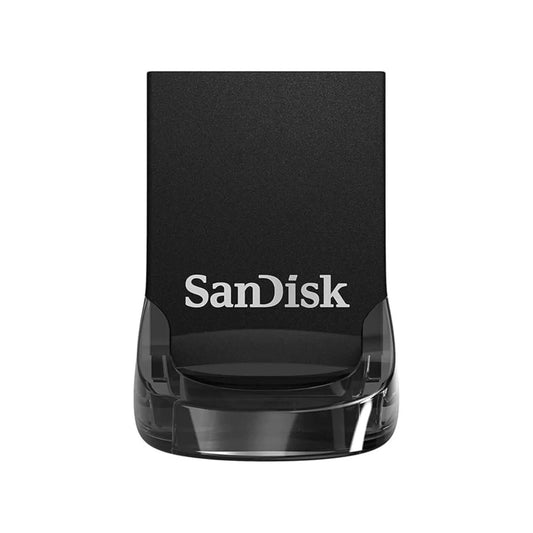
SanDisk Ultra Fit USB 3.2 Gen 1, Flash Drive for Compact File Storage and High Speed Transfers
Capacity: 32GB–512GBSaleSanDisk Ultra Fit USB 3.2 Gen 1, Flash Drive for Compact File Storage and High Speed Transfers
Capacity: 32GB–512GBRegular price From $19.99Sale price From $19.99Unit price perSale -
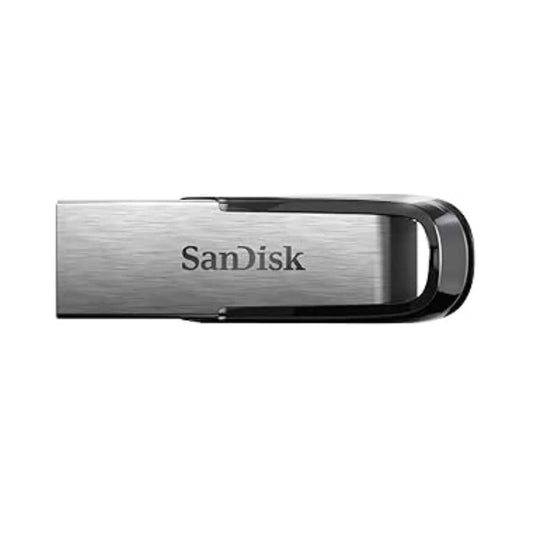
SanDisk Ultra Flair USB 3.0, Flash Drive for High Performance File Storage and Fast Transfers
Capacity: 16GB–512GBRegular price From $19.99Sale price From $19.99Unit price per -
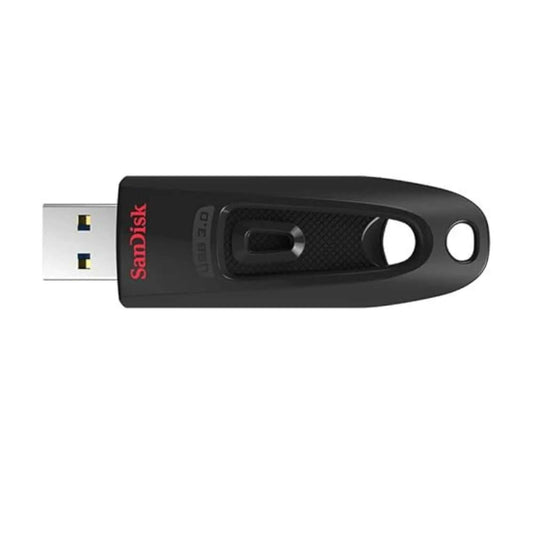
SanDisk Ultra USB 3.0, Flash Drive for Fast File Transfers, Reliable Storage and Everyday Data Use
Capacity: 16GB–512GBSaleSanDisk Ultra USB 3.0, Flash Drive for Fast File Transfers, Reliable Storage and Everyday Data Use
Capacity: 16GB–512GBRegular price From $17.49Sale price From $17.49Unit price perSale -
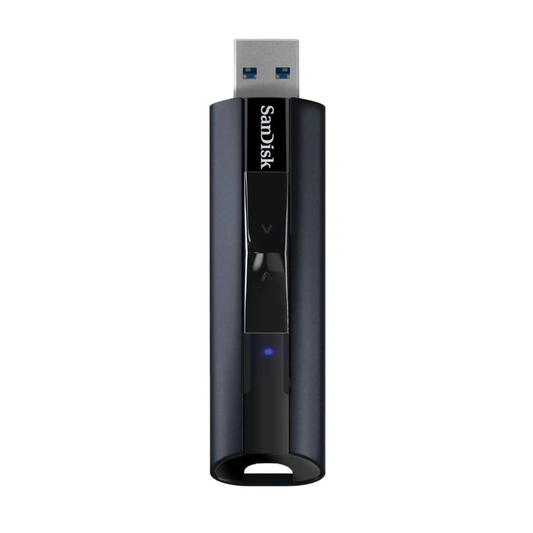
SanDisk Extreme PRO USB 3.2, Solid State Flash Drive for High Speed File Storage and Data Transfer
Capacity: 128 GB–256 GBRegular price From $75.99Sale price From $75.99Unit price per -
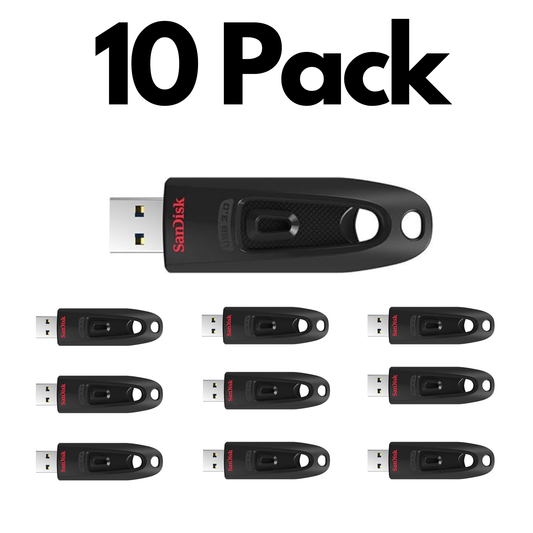
10 Pack SanDisk Ultra USB 3.0, Bulk Flash Drives for Fast File Transfers, Storage and Everyday Use
Capacity: 16GB–256GBSale10 Pack SanDisk Ultra USB 3.0, Bulk Flash Drives for Fast File Transfers, Storage and Everyday Use
Capacity: 16GB–256GBRegular price From $163.99Sale price From $163.99Unit price perSale -
SanDisk SD UHS-I Card Reader, Fast Memory Card Reader for Cameras and Computers
Regular price $29.99Sale price $29.99Unit price per -
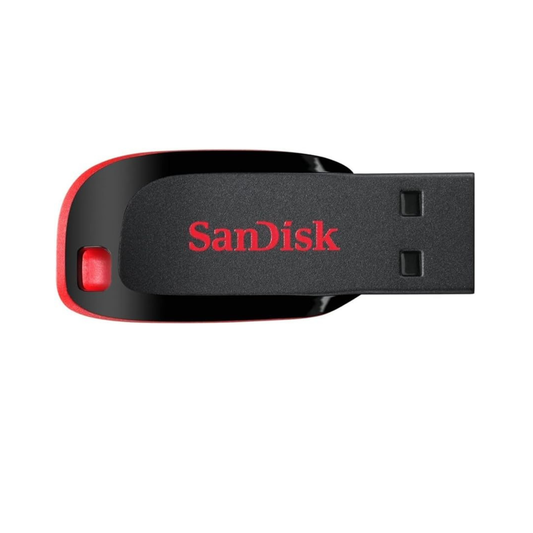
SanDisk Cruzer Blade USB, Flash Drive for Reliable File Storage and Everyday Data Transfer
Capacity: 32GB–64GBRegular price From $15.99Sale price From $15.99Unit price per -

10 Pack SanDisk Ultra SDHC UHS-I SD Memory Card - C10, Full HD Video Compatible
Capacity: 16GB–32GBSale10 Pack SanDisk Ultra SDHC UHS-I SD Memory Card - C10, Full HD Video Compatible
Capacity: 16GB–32GBRegular price From $133.99Sale price From $133.99Unit price perSale -
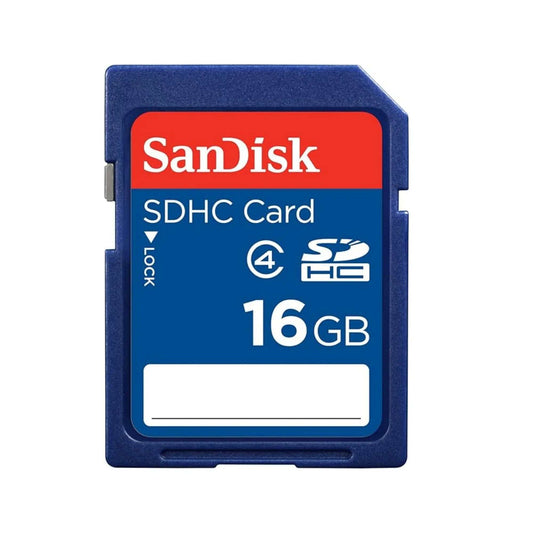
SanDisk SDXC Class 4 SD Memory Card – C4, Everyday Storage Compatible
Capacity: 16GB–32GBSaleSanDisk SDXC Class 4 SD Memory Card – C4, Everyday Storage Compatible
Capacity: 16GB–32GBRegular price From $17.99Sale price From $17.99Unit price perSale -

SanDisk Portable SSD USB-C, External Solid State Drive up to 800MB/s for Fast Storage and Backup
Capacity: 1TB–2TBRegular price From $277.99Sale price From $277.99Unit price per


Shop by use case
Best Fit by Everyday Need
Choose based on whether you need a general USB drive, compact leave-in storage, basic camera media, or practical repeat-order options.

Everyday File Storage & Backups
Choose SanDisk Ultra USB 3.0 when you want a simple, dependable flash drive for documents, photos, school files, and general backup.
- Best fit: Ultra USB 3.0
- Use case: school, work, home storage
- Why: strong value for everyday use

Compact Leave-In Storage
Choose Ultra Fit when you want a tiny drive that can stay plugged into a laptop, TV, desktop, or car stereo with minimal bulk.
- Best fit: Ultra Fit USB 3.2
- Use case: laptops, media devices, travel
- Why: low-profile convenience

Basic Photography & Device Storage
Choose SanDisk Ultra SD when you need affordable removable storage for casual photography, Full HD video, or general device compatibility.
- Best fit: Ultra SDXC UHS-I
- Use case: travel cameras, backups, light photography
- Why: budget-friendly and widely compatible

Schools, Offices & Repeat Buying
Use the bulk path when you need practical storage for classrooms, office kits, training materials, onboarding packs, or repeat deployment.
- Best fit: everyday USB and SD products
- Use case: schools, offices, teams
- Benefit: easier procurement and repeat ordering
Choose the Right Capacity
32GB
Browse 32GB options →Learn more
64GB
Browse 64GB options →Learn more
128GB
Browse 128GB options →Learn more
256GB+
Browse 256GB+ options →Learn more
Learn more
Shop practical everyday storage in Canada for school, work, travel, home organization, casual photography, and basic file backup. This collection brings together reliable USB flash drives, SD cards, and card readers for simple, everyday storage needs.
- Choose based on how you store files: if you mostly move documents, photos, music, or general files, a mainstream USB flash drive is often the easiest starting point.
- Match storage to your device: if your camera, laptop, or device uses removable media, an SD card may be the better fit for portability and compatibility.
- Make transfers easier: if you already use memory cards, a card reader can simplify transfers and improve workflow convenience on your computer.
- Built for everyday users and repeat buyers: Top Select Canada focuses on authentic SanDisk storage with fast Canadian shipping, clear product guidance, and practical options for individual buyers, families, students, offices, and repeat-order business needs.
Frequently Asked Questions
What is the best everyday storage option for most people?
For many people, a mainstream USB flash drive is the easiest everyday storage option because it works well for documents, photos, school files, and general backup without needing a special device slot.
Should I choose a USB flash drive or an SD card?
Choose a USB flash drive for general file storage and transfer between computers. Choose an SD card only if your camera or device specifically needs SD media.
Is 128GB enough for everyday storage?
For many users, yes. 128GB is a strong all-around starting point for school files, office documents, photos, music, and moderate backups.
What is the difference between Cruzer Blade, Ultra, Ultra Flair, and Ultra Fit?
Cruzer Blade is the more basic budget option. Ultra is a stronger everyday speed/value choice. Ultra Flair adds a more durable metal body, and Ultra Fit is designed for compact leave-in storage.
Do I need a card reader for an SD card?
You only need a card reader if your computer or device does not already have a compatible SD slot, or if you want a simpler transfer workflow.
What is a good SD card for basic photography?
For light photography and Full HD use, a mainstream SD card like SanDisk Ultra SDXC is often a practical starting point.
Can I buy everyday storage products in bulk for a school or office?
Yes. If you need multiple USB drives, SD cards, or practical storage products for schools, offices, kits, or repeat deployments, use the bulk quote page for business pricing and support.
How can I avoid counterfeit storage products in Canada?
Buy from authorized Canadian sellers, avoid listings that look unusually cheap, and choose retailers that support warranty and post-purchase help.