
SanDisk USB Flash Drives in Canada (USB-A & USB-C)
Learn more
Looking for a reliable USB flash drive in Canada? (Also called a USB stick or thumb drive.) This collection features authentic SanDisk USB drives for fast file transfers, portable storage, and simple backups. Choose the connector that matches your devices: USB-A for most laptops and desktops, USB-C for newer phones, tablets, and modern computers, or dual USB-A + USB-C drives when you move files between both. Then pick a capacity that fits your needs — 32GB or 64GB for documents, 128GB or 256GB for photos and larger project folders, and higher capacities for video and long-term archives. For better performance on large transfers, prioritize USB 3.x models. Need help deciding? Compare options below or explore the guides linked here.
-
SanDisk Ultra Dual Drive Go USB Type-C, Flash Drive for Smartphones, Tablets and USB-C Devices
Regular price From $22.89Sale price From $22.89Unit price perSale -
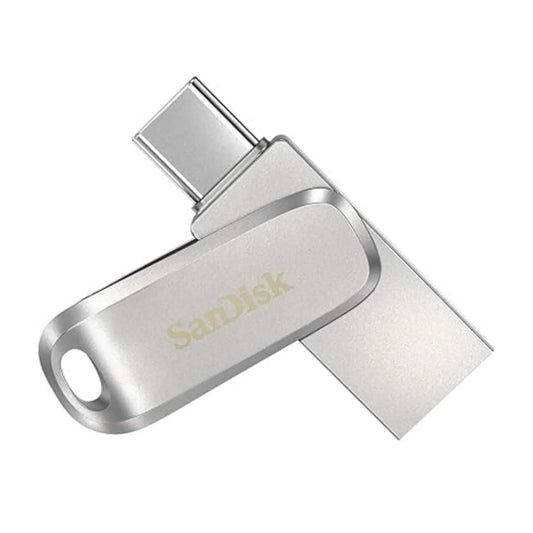
SanDisk Ultra Dual Drive Luxe USB Type-C, Flash Drive for Smartphones, Tablets and Laptops
Regular price From $57.89Sale price From $57.89Unit price per -
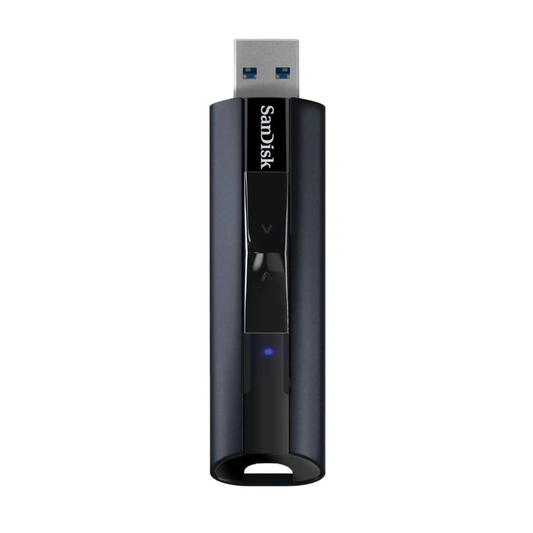
SanDisk Extreme PRO USB 3.2, Solid State Flash Drive for High Speed File Storage and Data Transfer
Regular price From $66.42Sale price From $66.42Unit price perSold out -
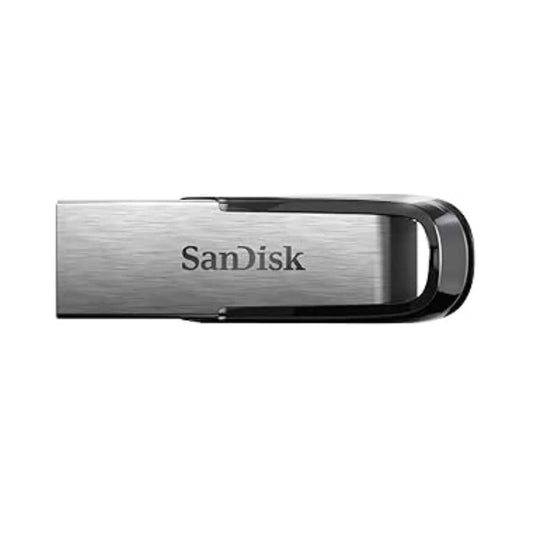
SanDisk Ultra Luxe USB 3.2 Gen 1, Flash Drive for Durable Metal Design, Storage and File Transfer
Regular price From $27.89Sale price From $27.89Unit price per -
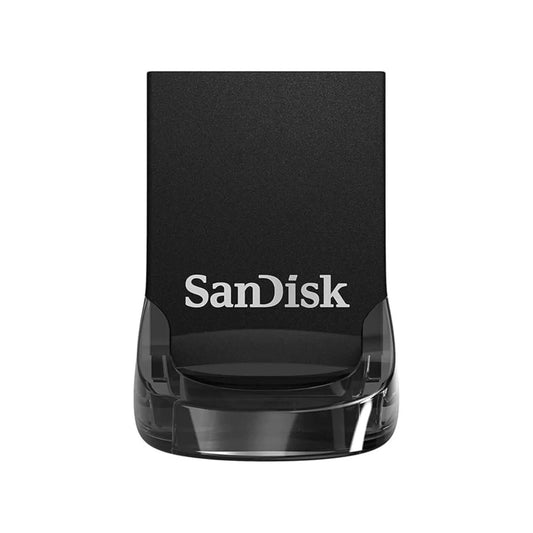
SanDisk Ultra Fit USB 3.2 Gen 1, Flash Drive for Compact File Storage and High Speed Transfers
Regular price From $35.89Sale price From $35.89Unit price per -
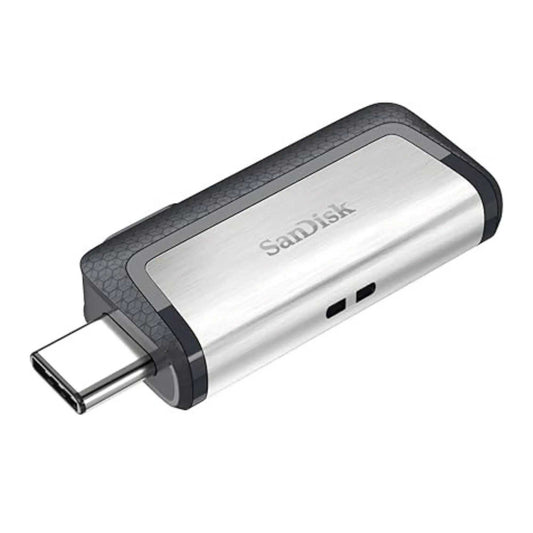
SanDisk Ultra Dual Drive USB Type-C USB 3.1, Flash Drive for Smartphones, Tablets and Laptops
Regular price From $22.89Sale price From $22.89Unit price per -
SanDisk Ultra Flair USB 3.0, Flash Drive for High Performance File Storage and Fast Transfers
Regular price From $19.32Sale price From $19.32Unit price per -
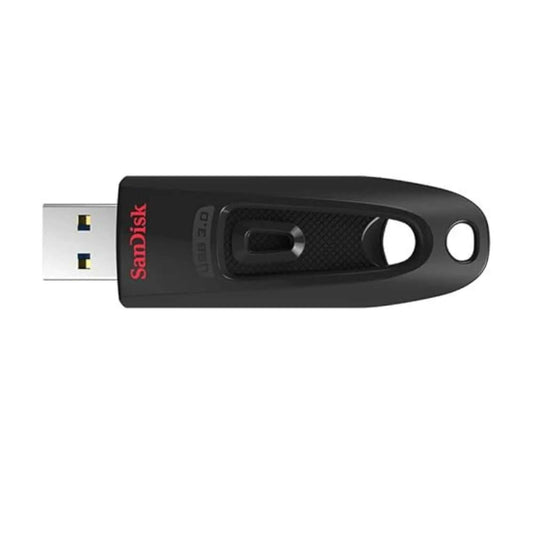
SanDisk Ultra USB 3.0, Flash Drive for Fast File Transfers, Reliable Storage and Everyday Data Use
Regular price From $18.64Sale price From $18.64Unit price per -
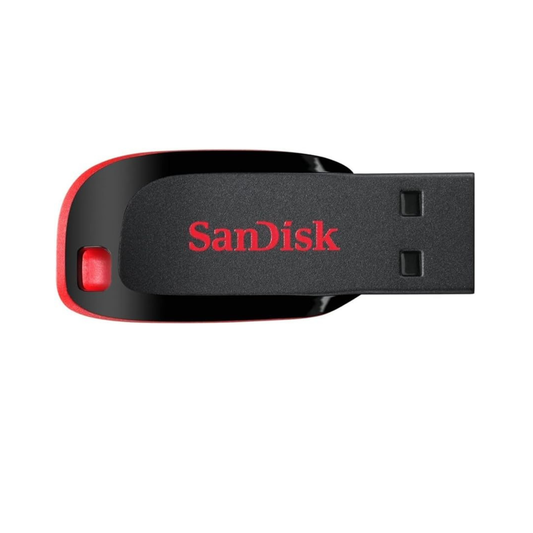
SanDisk Cruzer Blade USB, Flash Drive for Reliable File Storage and Everyday Data Transfer
Regular price From $15.89Sale price From $15.89Unit price per -
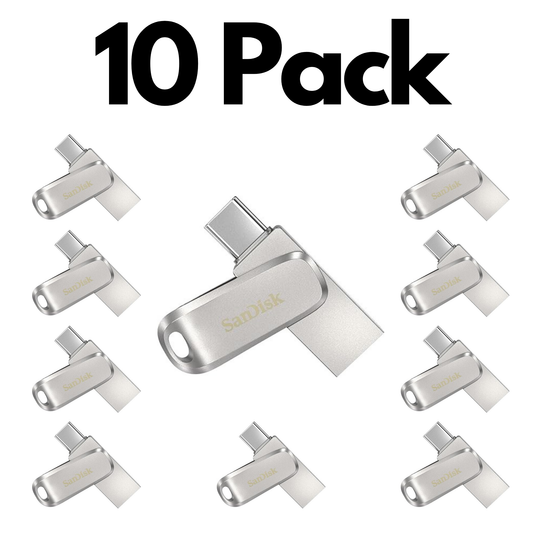
10 Pack SanDisk Ultra Dual Drive Luxe USB Type-C, Bulk Flash Drives for Smartphones and PCs
Regular price $470.35Regular priceUnit price per$578.90Sale price $470.35Sale -
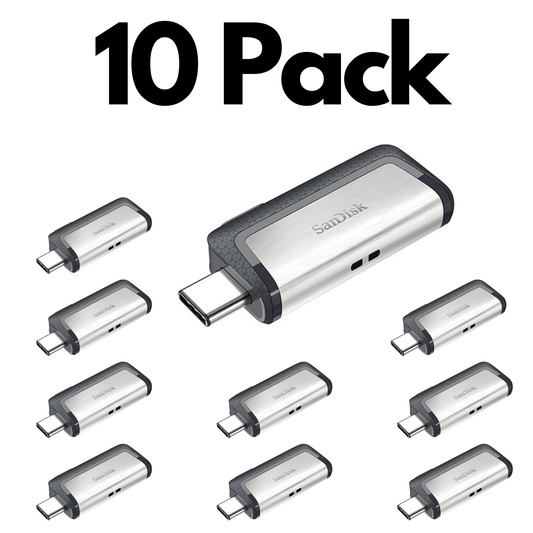
10 Pack SanDisk Ultra Dual Drive Go USB Type-C, Flash Drive for Smartphones, Tablets and USB-C Devices
Regular price From $195.60Sale price From $195.60Unit price perSale -
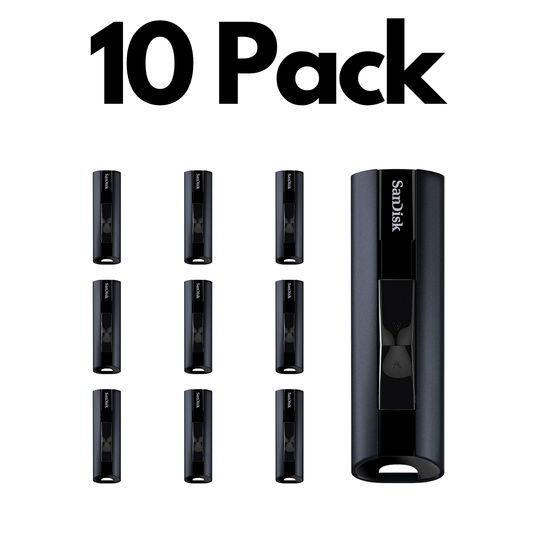
10 Pack SanDisk 128GB Extreme PRO USB 3.2, Solid State Flash Drives for High Speed Storage
Regular price $602.86Regular priceUnit price per$664.20Sale price $602.86Sale -
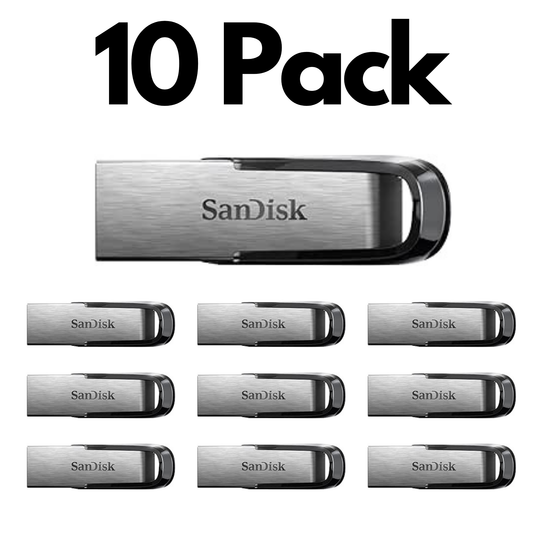
10 Pack SanDisk Ultra Flair USB 3.0, Bulk Flash Drives for High Performance File Storage and Transfer
Regular price From $159.50Sale price From $159.50Unit price perSale -
10 Pack SanDisk Ultra Dual Drive USB Type-C USB 3.1, Bulk Flash Drives for Smartphones and PCs
Regular price From $189.90Sale price From $189.90Unit price perSale -
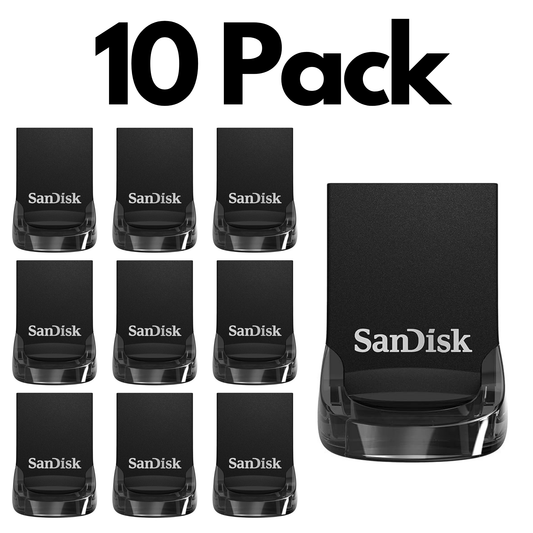
10 Pack SanDisk Ultra Fit USB 3.2 Gen 1, Bulk Flash Drives for Compact Storage and Fast Transfers
Regular price From $315.60Sale price From $315.60Unit price perSale -
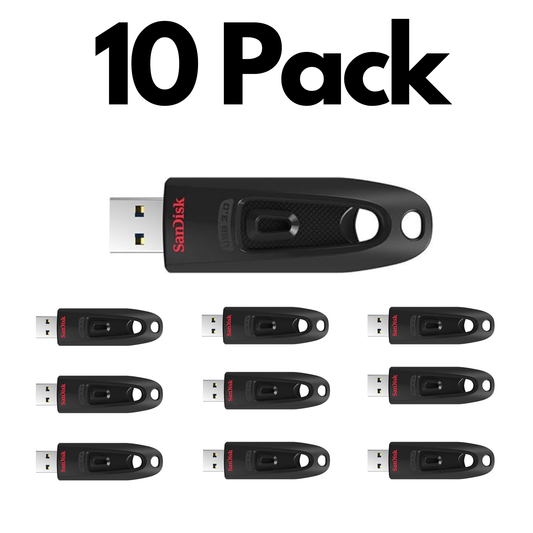
10 Pack SanDisk Ultra USB 3.0, Bulk Flash Drives for Fast File Transfers, Storage and Everyday Use
Regular price From $153.66Sale price From $153.66Unit price perSale


Trusted by Professionals & Businesses Across Canada


Shop by use case
Shop USB Flash Drives by Use Case
Pick the best USB drive based on how you’ll use it — connector type + speed matter most.

Work & School Transfers (Everyday)
Perfect for documents, presentations, and moving files between computers.
- Connector: USB-A for most laptops/desktops
- Capacity: 32GB–64GB is usually enough
- Tip: USB 3.x feels much faster on large folders

USB-C Phones, Tablets & New Laptops
Move photos, videos, and files quickly with USB-C or dual USB-A + USB-C drives.
- Best fit: USB-C or dual-connector drives
- Use case: mobile content + quick offloads
- Capacity: 64GB–256GB is a great range for most users

Large Files (Photos / Video / Projects)
For big folders, choose higher capacities and faster models to reduce transfer time.
- Capacity: 128GB–256GB+ recommended
- Speed: prioritize USB 3.x for big transfers
- Pick: reliable models for frequent file moves

Bulk Orders (Teams & Deployments)
Ideal for training programs, onboarding kits, and organizational deployments.
- Save time: multi-packs / bulk pricing
- Best for: staff kits, events, distribution
- Tip: standardize capacity for easier management
Choose a USB Flash Drive Capacity
32GB
See 32GB options →Learn more
64GB
See 64GB options →Learn more
128GB
See 128GB options →Learn more
256GB+
See 256GB+ options →Learn more
Choosing the Right SanDisk USB Drive
What’s the difference between USB 2.0 and USB 3.x (3.0 / 3.1 / 3.2)?
USB 3.x is significantly faster than USB 2.0 for large transfers (photos/videos/big folders). USB drives are backward compatible, but speeds depend on the port you plug into. For best performance, pair a USB 3.x drive with a USB 3.x port.
USB-A vs USB-C vs dual: which one should I buy?
Choose USB-A for most desktops and older laptops, USB-C for newer laptops/tablets/phones, and dual USB-A + USB-C if you regularly move files between both. See USB-C picks here: best SanDisk USB-C flash drives.
What capacity do I need (32GB, 64GB, 128GB, 256GB+)?
32GB–64GB is great for documents and everyday files. 128GB works well for photos and project folders. 256GB+ is better for video, archives, or high-volume storage. For help choosing models, see: flash drive comparison guide.
Will a USB flash drive work on Windows and Mac?
Yes, but file format matters. If you move files between Windows and Mac often, exFAT is usually the most compatible option. Always back up your files before reformatting.
Can I use a flash drive with my phone or tablet?
Yes — if your device supports USB-C, a USB-C or dual drive is the simplest option. Browse: Type-C USB drives. For iPhones, you may need the right adapter depending on your model.
Are USB sticks good for backups?
They’re great for portability and a quick extra copy, but best practice is to keep at least one additional backup (external drive or cloud). USB drives should not be your only backup for critical data.
How do I keep files more secure on a USB drive?
For sensitive data, use password protection/encryption tools and keep the drive in a safe place. For business deployments, consider consistent naming/labeling and controlled distribution.
Do you offer bulk USB flash drives for teams or organizations?
Yes — shop Bulk Flash Drives or use your Bulk Orders section to request a quote for MOQs. If you’re deciding the best option for your organization, read: why buying USBs in bulk.