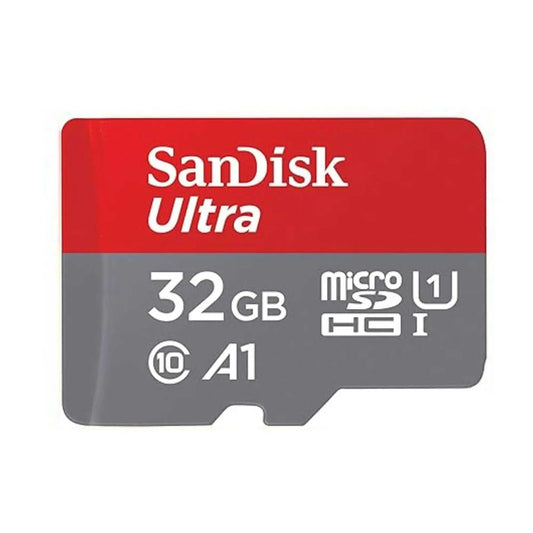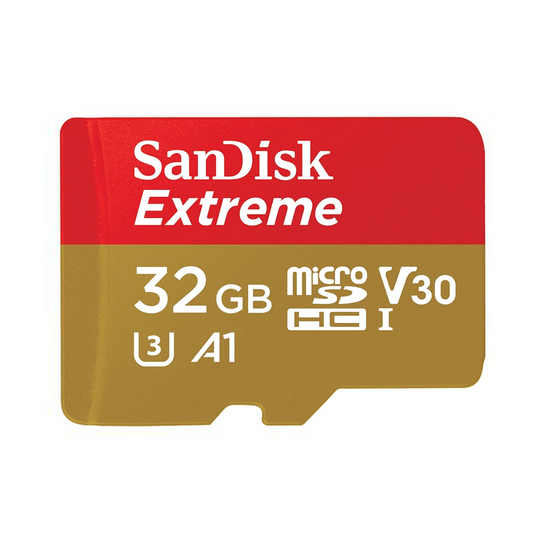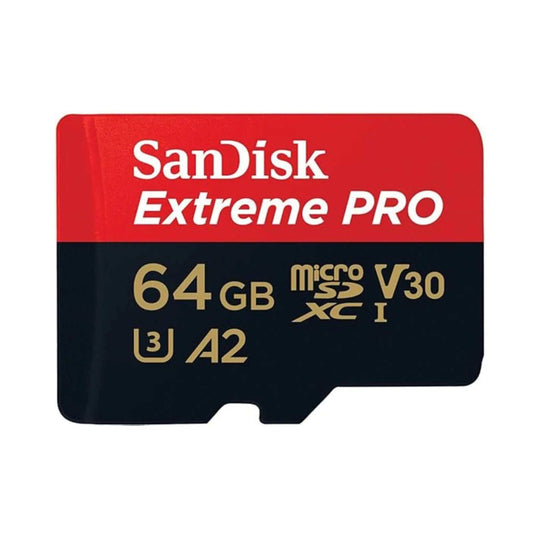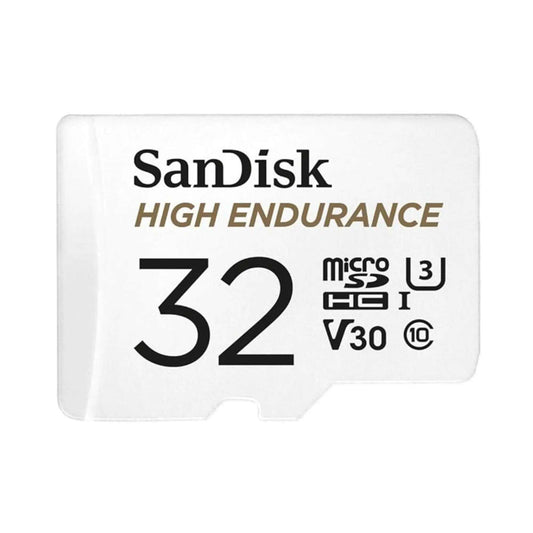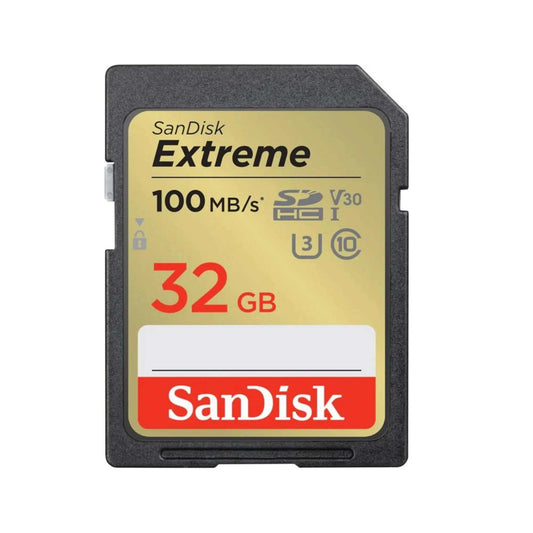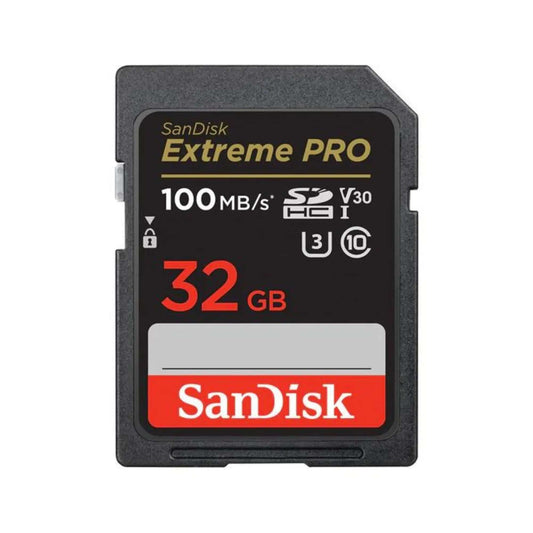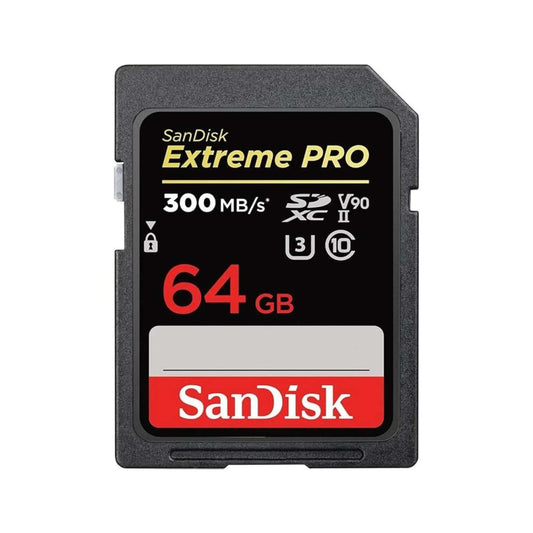
Assorted microSD and microSDXC cards — complete guide to microSD cards (2026)

The Complete Guide to microSD Cards (2026) | Types, Speeds & Picks

Need help choosing the right memory card?

Use our quick selector to find the best SanDisk card for your device and usage.

Introduction: Why microSD Cards Still Matter (2026)

From smartphones and drones to dash cams and Nintendo Switch consoles, microSD cards remain one of the most versatile storage solutions. They’re tiny, affordable, and compatible with hundreds of devices — but choosing the right one can be confusing.

This guide explains everything you need to know: what microSD cards are, their speed ratings, different types, and how to choose the best card for your needs.

Jump to: What is microSD? | Types (HC/XC/UC) | Speed classes | Capacity guide | Best by device | Common mistakes | FAQs


Quick Answer: Which microSD card should you buy?

Shop all microSD cards (Canada): Browse microSD cards at Top Select


What Is a microSD Card?

A microSD card is a smaller version of the standard SD card, designed for compact devices. Despite its size, it can store anywhere from 16GB to 1TB of data, depending on the format.

Note (2026): The microSDXC specification supports up to 2TB, but real-world device compatibility varies. Always check your device manual for maximum supported capacity and file system support (FAT32 vs exFAT).


microSD Card Types Explained

microSD naming is mostly about capacity range and file system. This is the fastest way to know what your device supports.

Card Type Capacity Range Devices Supported Notes
microSD Up to 2GB Older devices Rare today, limited capacity
microSDHC 2GB – 32GB Phones, cameras, GPS Affordable but limited storage (often FAT32)
microSDXC 64GB – 2TB Modern cameras, drones, consoles Most common choice today (often exFAT)
microSDUC 2TB – 128TB Next-gen devices (not widely supported yet) Future-proof format

Pro Tip: For most users in 2026, microSDXC (64GB–1TB) is the sweet spot for compatibility, price, and performance.

Related: If you’re also buying full-size cards for cameras, see SD cards (full-size). If your card feels slow, read How to speed up an SD card.


Understanding microSD Card Speed Classes

Speed is just as important as storage. The wrong class can ruin video quality or cause app crashes.

  • Speed Class (C2, C4, C6, C10): Minimum write speed in MB/s. Example: C10 = 10MB/s.
  • UHS Speed Class (U1, U3): U1 = 10MB/s; U3 = 30MB/s. Critical for 4K video.
  • Video Speed Class (V6 to V90): Designed for video capture. V30 = 30MB/s, V90 = 90MB/s sustained writes.
  • Application Class (A1, A2): For running apps on Android devices. A2 is faster for multitasking.

Speed class “cheat sheet” (quick diagram)

Rating Minimum Sustained Write Best for Common examples
U1 / V10 10 MB/s Full HD video, everyday storage Entry/mid cards
U3 / V30 30 MB/s 4K video, Switch, GoPro, drones SanDisk Extreme class
V60 60 MB/s Higher-bitrate 4K, pro capture Selected pro cards
V90 90 MB/s Very high-bitrate video workflows Specialized cards

Important: Your device also matters. A V60/V90 card won’t reach full performance in a device/reader that only supports slower UHS modes.


Capacity Guide: How much storage do you need?

Capacity depends on what you’re storing (photos vs 4K video vs games) and how often you offload files. Here are practical ranges that match how people actually use microSD cards.

Device / Use Recommended Capacity Recommended Speed Why
Android phone (photos/apps) 128GB – 512GB A1/A2 + U1 (or better) Smoother app performance + room for media
Nintendo Switch 128GB – 512GB U3 / V30 Faster installs + better long-term experience
GoPro / action cams 128GB – 1TB U3 / V30 (or higher) Stable sustained writes for 4K capture
Drones 128GB – 512GB U3 / V30 (or higher) High-bitrate recording needs consistent write speed
Dash cam 64GB – 256GB High Endurance Designed for repeated overwrite cycles
24-7 security cam 128GB – 512GB Max Endurance Continuous recording durability

Want a simple rule? If you record 4K video or use GoPro/drone/Switch, start with U3/V30. If you do continuous recording, choose endurance-rated cards.


Choosing the Right microSD for Your Device

For Smartphones & Tablets

For Cameras & Photography

  • Recommended: U3 / V30 microSDXC
  • Benefits: Handles burst shooting & high-res photos
  • Tip: Use a high-quality reader to avoid transfer bottlenecks (a common reason cards “feel slow”).

For Drones & Action Cameras (GoPro, DJI)

For Gaming (Nintendo Switch)

For Dash Cams & Security Cameras

  • Recommended: High Endurance microSD
  • Benefits: Built for continuous write cycles, long-term reliability
  • 24/7 recording: Choose Max Endurance for the longest service life.

Shop by device: microSD cards (Canada) | full-size SD cards


How to avoid counterfeit microSD cards

  • Buy from authorized retailers and reputable sellers (counterfeits are common on marketplaces).
  • Check for packaging inconsistencies and suspiciously low pricing.
  • Test capacity/speed after purchase using tools like CrystalDiskMark (Windows) or Blackmagic Disk Speed Test (Mac).

Formatting tips (FAT32 vs exFAT)

  • ≤32GB is commonly formatted as FAT32 (compatibility-friendly).
  • 64GB+ is commonly exFAT (best for large files and modern devices).
  • For best compatibility, format the card in the device you’ll use it with (camera/Switch/dash cam).

Step-by-step guide: How to format an SD/microSD card (Windows/Mac/Android)


Common Mistakes to Avoid

  1. Buying based only on capacity without checking speed class.
  2. Using a cheap card reader that bottlenecks performance.
  3. Storing critical files on unverified, counterfeit cards.
  4. Forgetting to format the card in the device before use.

If your card feels slow: see How to speed up an SD card.


FAQs – microSD Cards

Q1: What’s the difference between microSDHC and microSDXC?

  • microSDHC cards max out at 32GB, while microSDXC supports 64GB–2TB.

Q2: Can I use a microSD card in place of an SD card?

  • Yes, with an SD adapter. But performance may vary depending on the adapter quality.

Q3: Which microSD card is best for 4K video?

  • Look for U3 or V30-rated microSDXC cards such as SanDisk Extreme or Samsung PRO Plus.

Q4: How do I know if a microSD card is fake?

  • Buy from authorized retailers, verify packaging, and run a speed test with CrystalDiskMark or Blackmagic Disk Speed Test.

Q5: Do microSD cards wear out?

  • Yes, especially under heavy continuous writing (like dash cams). High Endurance cards are designed to last longer.

Q6: What speed class do I need for Nintendo Switch?

  • A UHS-I U3 / V30 card is a strong all-around choice. It helps with installs and overall performance.

Q7: Do I need A2 for Android phones?

  • If you run apps from the card or use adoptable storage, A2 can feel faster. For photos/videos only, UHS/video class matters more than A-rating.

Q8: Will a 1TB microSDXC work in my device?

  • It depends on device support. Many modern devices support 1TB, but some older devices have lower limits. Check your manual before buying.

Q9: What’s the best microSD card for dash cams and security cameras?

  • Choose an endurance-rated card designed for continuous overwriting, such as High Endurance or Max Endurance.

Q10: Should I format microSD as FAT32 or exFAT?

  • FAT32 is common for ≤32GB. exFAT is common for 64GB+. For best results, format in the target device when possible.

Back to top

Related resources (Canada)

Back to blog

Leave a comment

Please note, comments need to be approved before they are published.