SD cards look similar, but the format (SDHC, SDXC, SDUC) determines the capacity range, the file system (FAT32 vs exFAT), and whether your device will recognize the card at all.
This matters for real use cases like 4K video, RAW burst photography, drones, GoPro/action cams, and Nintendo Switch—where choosing the wrong format can cause errors, file-size limits, or compatibility issues.
This guide gives you a clear, buyer-friendly breakdown of SDHC vs SDXC vs SDUC, plus a quick checklist, comparison tables, and FAQs so you can confidently choose the right SD card format in 2026.
Quick Answer (60 seconds)
-
Most people should buy SDXC (64GB–2TB). It’s the current standard for modern cameras, drones, consoles, and 4K workflows.
-
SDHC (2–32GB) is mainly for older devices or basic storage—and FAT32 has a 4GB single-file limit.
-
SDUC (2TB–128TB) is the future ultra-capacity format, but device support is still limited in 2026.
Shop SD cards in Canada: Browse SD cards |
Browse microSD cards
Jump to:
Why formats matter |
Buyer checklist |
Format diagram |
SDHC |
SDXC |
SDUC |
How to choose |
Comparison table |
Recommended cards |
FAQs
The term SD card refers to
Secure Digital cards,
a global storage standard used in cameras, drones, laptops, gaming consoles, and many other devices.
But not all SD cards are the same.
Formats like
SDHC, SDXC, and SDUC
define how much data the card can hold, which file system it uses, and whether your device will recognize it.
If you insert the wrong format into your camera or console, the card may not work—or it may work with limitations (such as file-size caps).
Understanding formats is the fastest way to avoid wasted time, corrupted files, or returns.
Quick Buyer’s Checklist: Choosing the Right SD Card Format
| Step |
What to Check |
Recommended Choice |
| 1. Device Compatibility |
Does your device support SDHC, SDXC, or SDUC? |
Most modern devices (2010+) → SDXC; older/legacy devices → SDHC
|
| 2. Storage Needs |
How much capacity do you actually need? |
Casual use → 16–32GB (SDHC); 4K/RAW workflows → 128–512GB (SDXC); 2TB+ → SDUC (only if supported) |
| 3. File System Limits |
Do you record large files (over 4GB)? |
Yes → SDXC/SDUC (exFAT); No → SDHC (FAT32) can be fine |
| 4. Speed Ratings |
Are you shooting 4K/8K video or burst RAW? |
Look for UHS-I/II + U3/V30/V60/V90 based on your workload |
| 5. Reliability |
Will you record continuously or in harsh conditions? |
Choose High Endurance or rugged models for demanding use |
| 6. Authenticity |
Where are you buying from? |
Buy from authorized Canadian retailers like TopSelect to avoid counterfeits and keep warranty coverage |
Tip: Format tells you capacity + file system; speed ratings tell you whether the card can actually keep up with your camera’s video bitrate or your burst shooting.
If you remember only one thing, remember this ladder:
| Format |
Capacity Range |
Typical File System |
Best Fit (2026) |
| SDHC |
2GB–32GB |
FAT32 |
Legacy devices, basic storage |
| SDXC |
64GB–2TB |
exFAT |
Modern cameras, drones, 4K, Switch |
| SDUC |
2TB–128TB |
exFAT |
Future ultra-capacity workflows (limited support) |
Pro Tip: For most users in 2026, SDXC (64GB–1TB) is still the best balance of compatibility, capacity, and pricing.
SDHC: Secure Digital High Capacity
-
Capacity Range: 2GB to 32GB
-
File System: FAT32
-
Compatibility: Widely supported by many devices made from ~2006 to 2014 (and some later devices too)
When to Use SDHC
- Good for basic photography, Full HD video, and older devices that don’t support SDXC.
- Still useful in point-and-shoot cameras, GPS units, car stereos, and some older laptops.
Limitations: FAT32 cannot store single files larger than 4GB. That makes SDHC a poor fit for long 4K clips, high-bitrate recording, or modern video workflows.
SDXC: Secure Digital Extended Capacity
-
Capacity Range: 64GB to 2TB
-
File System: exFAT (better for large files)
-
Compatibility: Standard for most modern devices (2010 and newer)
When to Use SDXC
- Ideal for DSLRs, mirrorless cameras, drones, GoPros, Nintendo Switch, and many Android devices.
- Best for 4K video, RAW photography, gaming libraries, and large app/media files.
Why it’s the current standard: exFAT supports files larger than 4GB, so SDXC is the go-to format for modern video and high-capacity storage.
If you also use microSD cards (phones, Switch, action cams), see:
The Complete Guide to microSD Cards.
SDUC: Secure Digital Ultra Capacity
-
Capacity Range: 2TB to 128TB
-
File System: exFAT
-
Compatibility: Emerging standard; device support is still limited in 2026
When to Use SDUC
- Designed for next-generation devices handling 8K/16K video, VR/AR content, scientific imaging, and enterprise storage.
- Only consider SDUC if your device explicitly lists SDUC support in specs/firmware documentation.
Future outlook: SDUC is expected to expand in pro/enterprise gear over the coming years, but SDXC remains the practical choice for most buyers today.
How to Choose the Right SD Card Format
Use this simple decision flow:
-
Check your device specs first (manual, manufacturer site, or device settings).
-
Match the format to capacity (SDHC ≤32GB, SDXC 64GB–2TB, SDUC 2TB+).
-
Then choose the right speed rating (UHS / Video Class) for your workload.
1) Check Your Device Specs
- If your device says SDHC only, an SDXC card usually won’t work.
- Most modern devices support SDXC; SDUC support is still uncommon.
2) Match Capacity to Your Use Case
-
32GB or less → older gear and casual use (SDHC).
-
64GB–1TB → best balance for modern cameras, drones, and 4K workflows (SDXC).
-
2TB+ → niche/pro workflows (SDUC) when supported.
3) Don’t Forget Speed Class (This Impacts Recording Reliability)
-
Format tells you max storage and file system.
-
Speed class tells you if the card can keep up with 4K/8K video or burst RAW.
- Example: A 128GB SDXC V90 card is far better for video than a basic 128GB SDXC C10.
If you need help with formatting and file systems, use:
How to format an SD/microSD card (FAT32 vs exFAT).
4) Buy From Trusted Sources
- Counterfeit SD cards are common, especially in high capacities.
- Buy from authorized Canadian retailers like TopSelect to ensure authenticity and warranty support.
Quick Comparison: SDHC vs SDXC vs SDUC
| Format |
Capacity Range |
File System |
Device Compatibility |
Best For |
Common Limitation |
| SDHC |
2GB – 32GB |
FAT32 |
Older devices (2006–2014) |
Basic storage, casual photography, GPS |
4GB single-file limit (FAT32) |
| SDXC |
64GB – 2TB |
exFAT |
Most modern devices (2010+) |
4K video, RAW photography, gaming |
Requires SDXC support in older gear |
| SDUC |
2TB – 128TB |
exFAT |
Emerging support |
Future ultra-capacity pro workflows |
Limited device compatibility today |
Key Takeaway
-
SDHC = legacy format (2–32GB, FAT32).
-
SDXC = today’s standard (64GB–2TB, exFAT; best for 4K video and modern devices).
-
SDUC = tomorrow’s ultra-capacity format (2–128TB; only when devices support it).
If you’re shopping in 2026, SDXC is the sweet spot for most users.
Browse options here:
SanDisk SD cards
or
microSD cards.
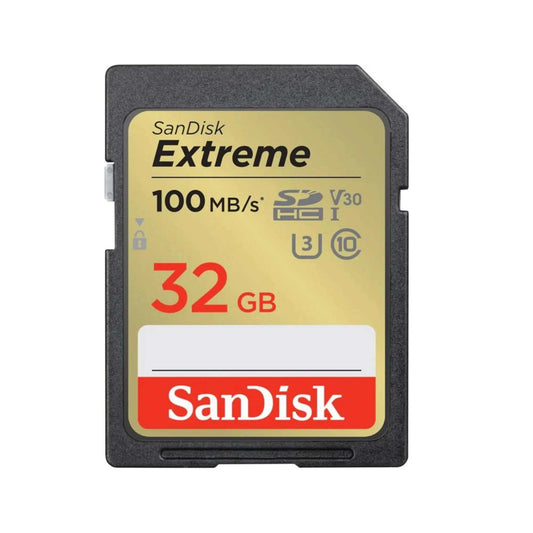
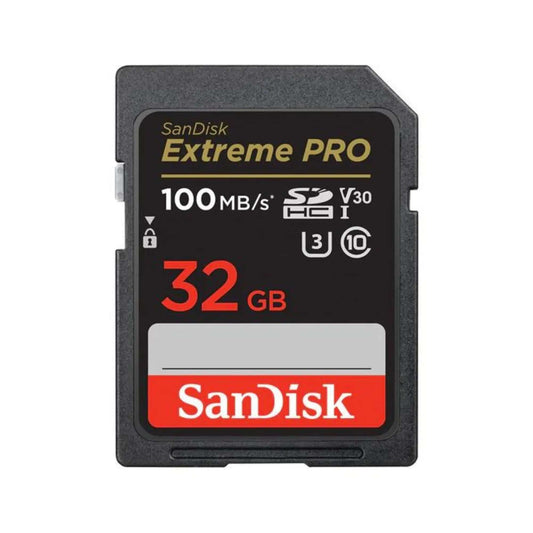
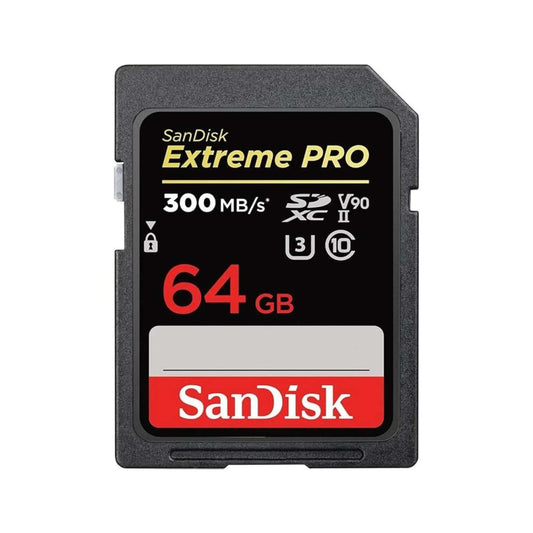
Recommended Cards by Format & Use Case
FAQs — SDHC vs SDXC vs SDUC
1) What’s the main difference between SDHC, SDXC, and SDUC?
-
Capacity and file system. SDHC = 2–32GB (FAT32), SDXC = 64GB–2TB (exFAT), SDUC = 2–128TB (exFAT, emerging).
2) Can an SDXC card work in an SDHC-only device?
- Generally no. Devices limited to SDHC typically won’t recognize SDXC. Check your device manual.
3) Do I need to format a new SDXC/SDUC card before use?
- Often yes. For best results, format in the device (camera/console/drone) so it applies the correct settings.
4) What file system do these formats use and why does it matter?
- SDHC uses FAT32 (4GB single-file limit). SDXC/SDUC use exFAT, which supports large files for 4K/8K video.
5) Which format is best for 4K/8K video work?
-
SDXC with U3/V30+ is the current standard. For high-bitrate 4K/8K, consider V60/V90 (often UHS-II).
6) What’s the difference between UHS-I and UHS-II?
- UHS-II adds a second row of pins for higher bus speeds. UHS-II cards work in UHS-I devices but run at UHS-I speeds.
7) Will an SDUC card work in my current camera?
- Only if the camera explicitly supports SDUC. Most consumer devices support SDXC; SDUC support is still rolling out.
8) Can I use a microSD card with an adapter in SD slots?
- Yes. A quality microSD-to-SD adapter usually works well, but native SD cards can be more consistent in pro cameras.
9) How do I choose capacity?
- Casual/legacy use: 16–32GB (SDHC)
- Modern 4K/RAW: 128–512GB (SDXC)
- Ultra-high-capacity workflows: 2TB+ (SDUC) when supported
10) How can I avoid counterfeit high-capacity cards?
- Buy from authorized retailers, verify packaging, and run a speed test (CrystalDiskMark/Blackmagic) to confirm real performance.
11) Does exFAT work on Windows and Mac?
- Yes, modern versions of Windows and macOS support exFAT. For best compatibility, format the card in the device you’ll use it with.
12) Why does my device ask to format the card?
- Your device may require a specific file system or allocation settings. Formatting in-device usually fixes compatibility issues.
Back to top





![SanDisk microSD Express: The High-Speed Storage Upgrade Built for Nintendo Switch 2 (and Beyond) [2026]](http://www.topselect.ca/cdn/shop/articles/Blog_Covers_2_1.png?v=1774635766&width=533)
![How to Recover Photos From a Corrupted Memory Card (Step-by-Step Guide)[2026]](http://www.topselect.ca/cdn/shop/articles/Shopify_Banners_Presentation.jpg?v=1774636883&width=533)