

SanDisk Flash Drives Compared: Ultra vs Extreme vs Extreme PRO (2026)
Need help choosing the right memory card?
Use our quick selector to find the best SanDisk card for your device and usage.
Memory Card Finder
Find the Right SanDisk Memory Card
Answer a few quick questions. We’ll match you with the best SanDisk cards for your setup — then show your top pick plus a strong alternative.
Your recommended SanDisk cards
Like your match? Save 15% on it.
Sign up to our email list and we’ll email you a 15% off code you can use on your recommended SanDisk card.
Still not sure? Contact our team for 1:1 help choosing a card.
How We Score Your Matches
We compare your answers against each SanDisk card’s strengths (device type, video level, endurance, recording pattern and transfer needs). Each good fit adds points; the top score is your “Best match”.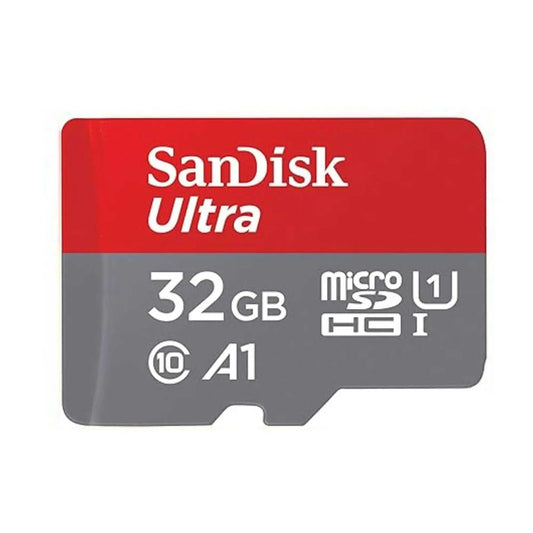
SanDisk Ultra microSDXC UHS-I Memory Card with SD Adapter – C10, A1, Full HD
SanDisk Ultra microSDXC UHS-I Memory Card with SD Adapter – C10, A1, Full HD
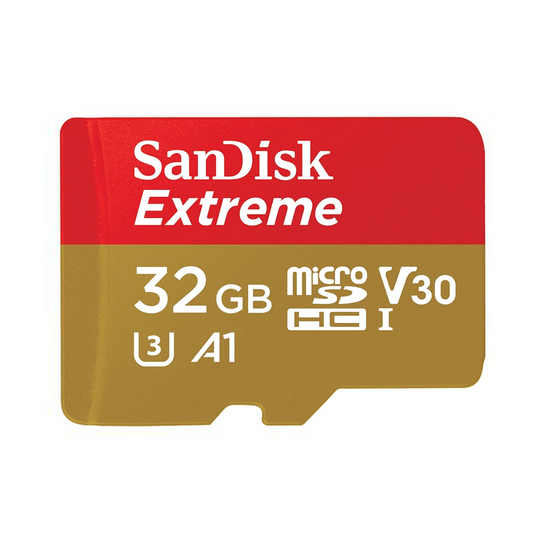
SanDisk Extreme microSDHC UHS-I Memory Card with SD Adapter – U3, A2, C10, 4K UHD
SanDisk Extreme microSDHC UHS-I Memory Card with SD Adapter – U3, A2, C10, 4K UHD

SanDisk Extreme PRO microSDXC UHS-I Memory Card with SD Adapter – U3, A2, C10, 4K UHD
SanDisk Extreme PRO microSDXC UHS-I Memory Card with SD Adapter – U3, A2, C10, 4K UHD
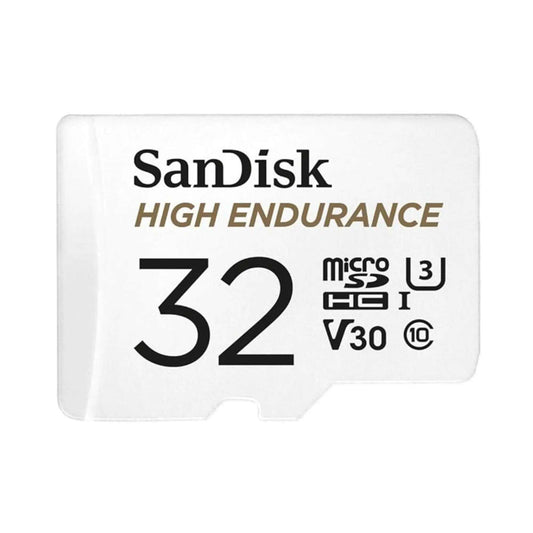
SanDisk High Endurance Video microSDXC UHS-I Memory Card with SD Adapter – U3, C10, V30, 4K UHD

SanDisk MAX Endurance microSDXC UHS-I Memory Card with SD Adapter – U3, C10, V30, 4K UHD
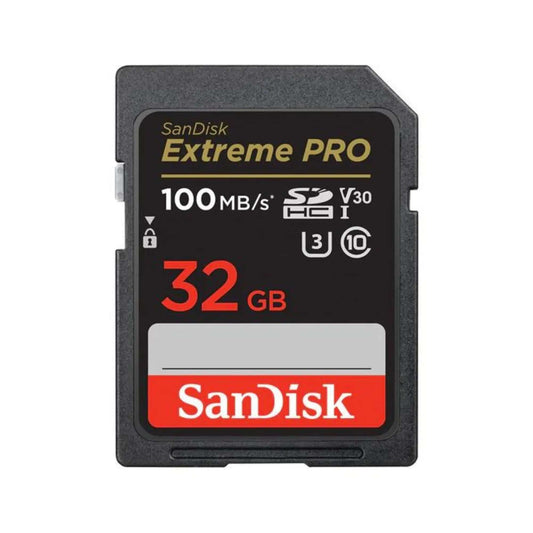
SanDisk Extreme PRO SDXC UHS-I SD Memory Card – U3, V30, C10, 4K UHD Compatible
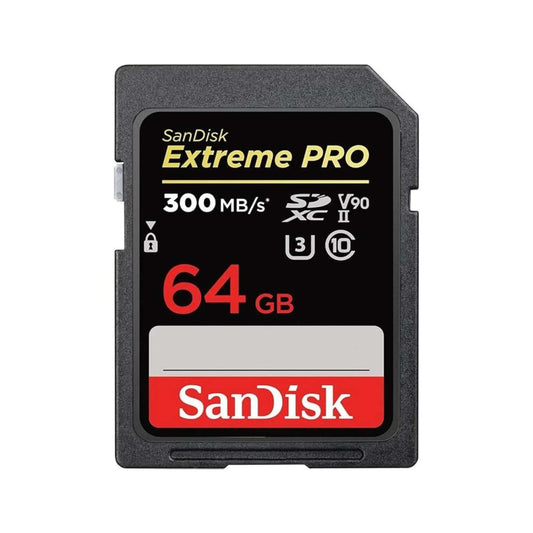
SanDisk Extreme PRO SDXC UHS-II SD Memory Card – V90, U3, C10, 8K & 4K UHD Compatible
SanDisk Extreme PRO SDXC UHS-II SD Memory Card – V90, U3, C10, 8K & 4K UHD Compatible

SanDisk Express microSDXC Memory Card for Nintendo Switch 2 – C10, U3, 4K/8K
SanDisk Express microSDXC Memory Card for Nintendo Switch 2 – C10, U3, 4K/8K
Choosing the right SanDisk flash drive makes a big difference for speed, storage, and reliability—whether you’re saving schoolwork, photos, or large video projects. In this guide, we compare the most popular SanDisk models—Ultra, Extreme, and Extreme PRO (plus everyday favorites like Cruzer, Ultra Flair, and Ultra Fit)—so you can choose the best USB drive for your needs in Canada in 2026.
Quick reality check: USB performance depends on your computer port (USB 2.0 vs 3.x), file type (many small files transfer slower than one big file), and the drive capacity you buy. Where possible, we highlight the “best for” use case so you can pick confidently.
Shop SanDisk USB drives in Canada: Explore our full flash drive lineup →
Jump to:
- Quick Buyer’s Guide (choose the right model fast)
- USB 3.0 vs 3.1 vs 3.2 (what it actually means)
- Comparison Table (Cruzer vs Ultra vs Ultra Fit vs Extreme PRO)
- Model Breakdowns (pros/cons + best for)
- How to get the fastest real-world speeds
- FAQs
- Where to buy in Canada
Quick Buyer’s Guide: How to Choose the Best SanDisk Flash Drive
Not sure which SanDisk USB drive fits your needs? Use this simple guide:
- For everyday use & basic backups: The SanDisk Ultra (or Cruzer Blade for legacy compatibility) is affordable and reliable for documents, schoolwork, music, and casual storage. Choose this if you want value and simplicity.
- For faster transfers & frequent media files: Ultra Flair adds a durable metal body, while Ultra gives great everyday speed for typical photos and videos. Choose these if you move files often and want a solid upgrade over USB 2.0.
- For “leave-in” storage (laptops, smart TVs, car stereos): Ultra Fit is low-profile and designed to stay plugged in without snagging. Pick this when size and convenience matter most.
- For professionals & maximum performance: Extreme PRO USB 3.2 Solid State Flash Drive delivers SSD-like speeds for large projects and demanding workflows. Some versions offer stronger security features. Best for creators, business users, or anyone who wants the fastest portable USB storage.
Key Features to Compare:
- USB standard: USB 3.0 / 3.1 / 3.2—newer naming can be confusing, but higher-generation ports generally perform better (and remain backward compatible).
- Read/Write speed: Impacts how quickly files transfer—especially large videos and photo libraries.
- Capacity: Choose based on storage needs (documents vs 4K media vs work archives).
- Durability: Metal casing and rugged designs handle daily carry better than basic plastic shells.
- Security: Some models support password protection/encryption via SanDisk tools (features vary by model and generation).
Tip: If your laptop only has USB 2.0 ports, even the fastest drive will run at USB 2.0 speeds. For best results, use a USB 3.x port whenever possible.
USB 3.0 vs 3.1 vs 3.2 (simple explanation)
USB naming can look complicated, but here’s what matters for most buyers:
- USB 2.0: Older standard—fine for documents, slow for large media transfers.
- USB 3.0 / USB 3.1 Gen 1 / USB 3.2 Gen 1: These names often refer to the same “5Gbps class” connection. Great for everyday faster transfers.
- USB 3.1 Gen 2 / USB 3.2 Gen 2: Faster “10Gbps class” connection—best if your computer supports it.
Practical takeaway: Your drive speed is limited by the slowest link in the chain: the USB port, the flash drive, the cable/adapter (if any), and your file type.
SanDisk Flash Drive Comparison Table (2026)
Use this table to compare SanDisk models side-by-side. Specs can vary by capacity, so treat these numbers as practical guidance and always confirm on the product page if you’re buying for a specific workflow.
| Feature/Specification |
|
|
|
|
|
|---|---|---|---|---|---|
| USB Version | USB 2.0 | USB 3.0 | USB 3.0 | USB 3.2 | USB 3.2 Gen 1 |
| Read Speed | Up to 15 MB/s | Up to 130 MB/s | Up to 150 MB/s | Up to 130 MB/s | Up to 420 MB/s |
| Write Speed | Up to 10 MB/s | Up to 10x faster than USB 2.0 | Up to 15x faster than USB 2.0 | Up to 15x faster than USB 2.0 | Up to 380 MB/s |
| Capacity Options | 16 GB to 256 GB | 16 GB to 512 GB | 16 GB to 512 GB | 16 GB to 512 GB | 128 GB to 1 TB |
| Durability | Basic design, not rugged | Durable plastic housing | Metal casing | Compact and low-profile | Rugged and durable aluminum casing |
| Portability | Compact design | Portable and lightweight | Slim and stylish metal design | Ultra-compact and plug-in | High-performance and portable |
| Ideal Use Cases | Basic file storage, everyday tasks | Large file transfers, movies, music | Quick file transfers, style-conscious users | Media streaming, laptops, and car stereos | High-speed transfers, professional workflows |
| Encryption Support | No | SanDisk SecureAccess | SanDisk SecureAccess | SanDisk SecureAccess | SanDisk SecureAccess and Password Protection (features vary by version) |


Model Breakdowns: Pros, Cons & Best Use Cases
SanDisk Cruzer Blade USB 2.0 – Simple, Reliable Storage
Overview:
The SanDisk Cruzer Blade is a classic USB flash drive for simple, everyday file storage. Its compact plastic design is easy to carry, and it’s compatible with nearly any computer.
Key Features:
- USB 2.0 interface (universally compatible)
- Capacities: 16GB, 32GB, 64GB, 128GB
- Lightweight, pocket-friendly build
Pros:
- ✓ Ultra-affordable—ideal for students and basic backup
- ✓ No software or drivers needed (plug-and-play)
- ✓ Works great for documents, small photos, and music files
Cons:
- X Slower transfer speeds (not for big files or HD video)
- X No password protection or advanced durability
Best For: Basic file transfers, school projects, legacy device compatibility.
SanDisk Ultra USB 3.0 Flash Drive – Everyday Fast, Affordable Choice
Overview:
A step up from basic USB drives, the SanDisk Ultra USB 3.0 offers faster transfer speeds for documents, photos, music, and HD videos—at a wallet-friendly price.
Key Features:
- USB 3.0 interface (backward compatible)
- Capacities: 16GB–512GB
- Up to 130MB/s read speed (varies by capacity)
- Durable plastic housing
- SanDisk SecureAccess support (password protection via software)
Pros:
- ✓ Great value for students and home offices
- ✓ Large capacity options for bigger files
- ✓ Much faster than USB 2.0 for everyday tasks
Cons:
- X Not ideal for very large 4K editing workflows
- X Plastic body (less rugged than metal models)
Best For: Photos, documents, moderate-size videos, and everyday file transfers.
SanDisk Ultra Flair USB 3.0 – Sleek & Durable, For On-the-Go
Overview:
Combining high speed and a stylish metal case, the SanDisk Ultra Flair is ideal for users who want fast file transfers in a tough, attractive design.
Key Features:
- USB 3.0 interface
- Capacities: 16GB–512GB
- Up to 150MB/s read speed (varies by capacity)
- Sleek metal casing for added durability
- SanDisk SecureAccess support (password protection via software)
Pros:
- ✓ Fast performance for HD photos and videos
- ✓ Metal body resists everyday bumps and drops
- ✓ Modern, capless design
Cons:
- X Can get warm during heavy use
- X No physical cover for the connector
Best For: Busy professionals, commuters, and anyone who wants speed + a durable metal build.
SanDisk Ultra Fit USB 3.2 – Compact & Convenient (Leave-In Storage)
Overview:
The Ultra Fit is designed for permanent, low-profile storage. Leave it plugged into a laptop, smart TV, or car stereo to add storage without a bulky drive sticking out.
Key Features:
- USB 3.2 Gen 1 interface
- Capacities: 16GB–512GB
- Ultra-compact “leave-in” form factor
- SanDisk SecureAccess support (password protection via software)
Pros:
- ✓ Low-profile design—won’t block other ports
- ✓ Great for TVs, laptops, and in-car audio
- ✓ Convenient “set and forget” extra storage
Cons:
- X Tiny size makes it easy to misplace if removed often
- X Not the best choice for constant heavy transfers
Best For: Media libraries, smart TVs, laptops, travel, and car stereos.
SanDisk Extreme PRO USB 3.2 Solid State Flash Drive – Ultimate Performance
Overview:
For professionals and power users, the Extreme PRO delivers SSD-like speed in a rugged, portable USB form factor—ideal for large files, creative projects, and business backups.
Key Features:
- USB 3.2 Gen 1 interface
- Capacities: 128GB–1TB
- Read speeds up to 420MB/s; write speeds up to 380MB/s (varies by capacity)
- Premium metal housing designed for daily carry
- Password protection/encryption options may be available depending on version and software support
Pros:
- ✓ Fastest option in this lineup for demanding transfers
- ✓ Great for large photo/video libraries and project files
- ✓ Premium build quality
- ✓ Strong choice for professional workflows
Cons:
- X Higher price point than everyday drives
- X Can be slightly larger than ultra-compact models
Best For: Creators, business travellers, and anyone needing the fastest portable USB storage.
How to Get the Fastest Real-World Speeds (Most People Miss This)
- Use a USB 3.x port: Plug into a blue USB-A port or a modern USB-C port on your computer (if available). USB 2.0 ports bottleneck fast drives.
- Transfer fewer, larger files when possible: Thousands of small files copy slower than one large file—even on fast drives.
- Keep 10–20% free space: Completely full drives can slow down during writes.
- Choose the right file system: exFAT is best for cross-platform use (Mac + Windows). NTFS can be faster on Windows but isn’t write-friendly on Mac without extra tools.
- Safely eject the drive: Prevents corruption and reduces the chance of “mysterious” slowdowns later.
Need more storage for cameras or gaming? See our guide: Best Memory Cards in Canada
Pro Tip: If you frequently transfer large files or want better durability, choose a metal-cased model (Ultra Flair) or the fastest model (Extreme PRO). For simple backups, Ultra or Cruzer Blade is often enough.
Frequently Asked Questions About SanDisk Flash Drives
Q1. What’s the difference between USB 3.0, 3.1, and 3.2?
- A: The naming is confusing, but many “Gen 1” versions are the same 5Gbps class. What matters most is whether your computer has a USB 3.x port and whether your drive supports higher speeds.
Q2. What’s the difference between SanDisk Ultra, Ultra Flair, Ultra Fit, and Extreme PRO?
-
A:
- Ultra: Great all-around speed and value for everyday use.
- Ultra Flair: Similar everyday speed in a stylish, durable metal body.
- Ultra Fit: Ultra-compact “leave-in” storage for laptops, TVs, and cars.
- Extreme PRO: Much faster performance and premium build for demanding workflows.
Q3. Are SanDisk flash drives compatible with Mac and Windows?
- A: Yes. Most drives work plug-and-play. For best compatibility across both, consider formatting as exFAT (especially if you move large files).
Q4. How do I password-protect or encrypt a SanDisk flash drive?
- A: Some models support password protection using SanDisk tools (availability varies by model/version). For sensitive data, Extreme PRO-class drives plus strong passwords and secure workflows are recommended.
Q5. Why is my flash drive slow?
- A: Most slowdowns come from using a USB 2.0 port, transferring many small files, having a nearly full drive, or using an inefficient file format for your device.
Q6. What file format is best: exFAT, NTFS, or something else?
- A: exFAT is best for Mac + Windows compatibility. NTFS is common for Windows-only use (Mac may require extra tools to write). Choose based on your workflow.
Q7. Which SanDisk flash drive is best for large video files or professional use?
- A: The SanDisk Extreme PRO USB 3.2 Solid State Flash Drive offers the highest performance in this lineup—ideal for large 4K projects, RAW photo libraries, or large business files.
Q8. How do I avoid counterfeit or low-quality USB drives?
- A: Buy from trusted Canadian retailers and verify product packaging and capacity. If a price looks too good to be true, it often is.
Where to Buy SanDisk Flash Drives in Canada
Ready to upgrade your storage?
Shop our full lineup of SanDisk flash drives—Ultra, Ultra Flair, Ultra Fit, Cruzer Blade, and Extreme PRO—at TopSelect.ca.
- Get Canadian pricing and fast shipping
- Shop confidently from a trusted local retailer
- Choose the right drive for school, work, travel, and professional projects
Explore SanDisk flash drives now and find the perfect match for your needs!
Shop SanDisk USB Flash Drives →

![SanDisk microSD Express: The High-Speed Storage Upgrade Built for Nintendo Switch 2 (and Beyond) [2026]](http://www.topselect.ca/cdn/shop/articles/Blog_Covers_2_1.png?v=1774635766&width=533)
