

V30 vs V60 vs V90 SD Cards: Which Video Speed Class Do You Need?
Need help choosing the right memory card?
Use our quick selector to find the best SanDisk card for your device and usage.
Memory Card Finder
Find the Right SanDisk Memory Card
Answer a few quick questions. We’ll match you with the best SanDisk cards for your setup — then show your top pick plus a strong alternative.
Your recommended SanDisk cards
Like your match? Save 15% on it.
Sign up to our email list and we’ll email you a 15% off code you can use on your recommended SanDisk card.
Still not sure? Contact our team for 1:1 help choosing a card.
How We Score Your Matches
We compare your answers against each SanDisk card’s strengths (device type, video level, endurance, recording pattern and transfer needs). Each good fit adds points; the top score is your “Best match”.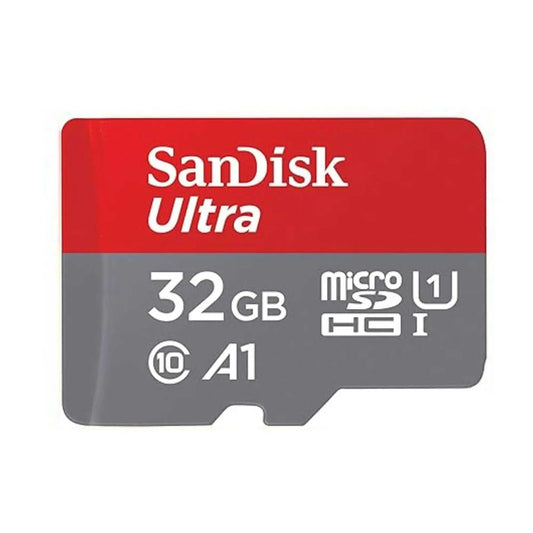
SanDisk Ultra microSDXC UHS-I Memory Card with SD Adapter – C10, A1, Full HD
SanDisk Ultra microSDXC UHS-I Memory Card with SD Adapter – C10, A1, Full HD
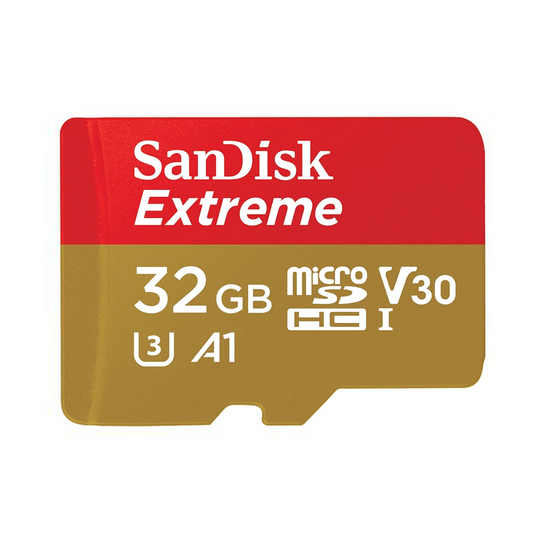
SanDisk Extreme microSDHC UHS-I Memory Card with SD Adapter – U3, A2, C10, 4K UHD
SanDisk Extreme microSDHC UHS-I Memory Card with SD Adapter – U3, A2, C10, 4K UHD

SanDisk Extreme PRO microSDXC UHS-I Memory Card with SD Adapter – U3, A2, C10, 4K UHD
SanDisk Extreme PRO microSDXC UHS-I Memory Card with SD Adapter – U3, A2, C10, 4K UHD
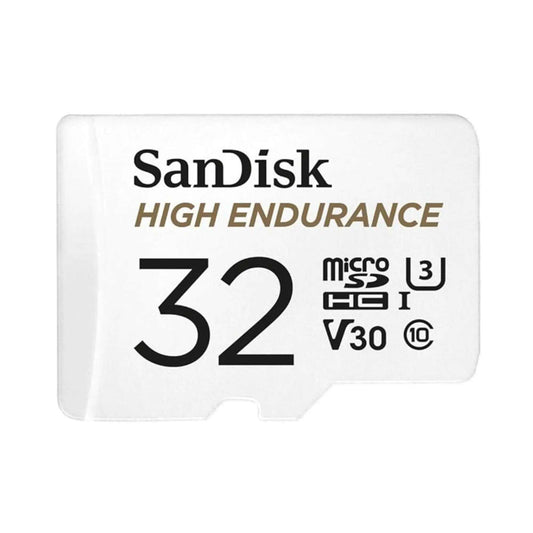
SanDisk High Endurance Video microSDXC UHS-I Memory Card with SD Adapter – U3, C10, V30, 4K UHD

SanDisk MAX Endurance microSDXC UHS-I Memory Card with SD Adapter – U3, C10, V30, 4K UHD
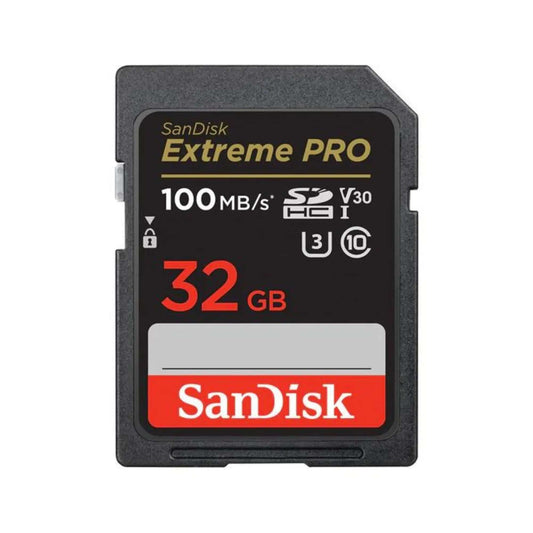
SanDisk Extreme PRO SDXC UHS-I SD Memory Card – U3, V30, C10, 4K UHD Compatible

SanDisk Extreme PRO SDXC UHS-II SD Memory Card – V90, U3, C10, 8K & 4K UHD Compatible
SanDisk Extreme PRO SDXC UHS-II SD Memory Card – V90, U3, C10, 8K & 4K UHD Compatible

SanDisk Express microSDXC Memory Card for Nintendo Switch 2 – C10, U3, 4K/8K
SanDisk Express microSDXC Memory Card for Nintendo Switch 2 – C10, U3, 4K/8K
At first glance, V30, V60, and V90 can look like just another set of tiny symbols printed on an SD card. In practice, they tell you something very useful: the card's minimum sustained write speed for video capture. V30 corresponds to 30MB/s, V60 to 60MB/s, and V90 to 90MB/s.
The important part is that a higher number is not automatically better for your camera. The right card depends on the exact recording mode you use — including codec, bitrate, frame rate, and sometimes features such as slow motion or proxy recording. One 4K mode may be perfectly happy with a V30-class card, while another 4K mode on the same camera may call for V60 or V90.
V30 vs V60 vs V90 at a glance
Video Speed Class is an SD Association speed-class standard for video recording. The number after the "V" indicates the class's minimum sustained write rate under the Video Speed Class system. In simple terms, a V30 card is designed to sustain at least 30MB/s, V60 at least 60MB/s, and V90 at least 90MB/s when used in a compatible host.
| Rating | Minimum sustained write | Raw mathematical equivalent | Where you commonly see it |
|---|---|---|---|
| V30 | 30MB/s | 240Mbps | Many common 4K modes, vlogging, drones, action cameras, general photo/video use |
| V60 | 60MB/s | 480Mbps | Higher-bitrate 4K, some slow-motion and proxy workflows, and other modes that specifically call for V60 |
| V90 | 90MB/s | 720Mbps | High-bitrate recording, some All-Intra modes, and demanding 4K/6K/8K workflows where the camera specifies V90 |
The 240/480/720Mbps figures are only 8× conversions of the class write rates; they are not official "maximum supported video bitrates." Camera requirements can be stricter than that simple math suggests, so use the manufacturer's media requirement for your recording mode.
Top Select's current full-size SD lineup includes SanDisk Extreme PRO UHS-I cards rated U3/V30 in capacities from 32GB to 1TB, plus SanDisk Extreme PRO UHS-II cards rated U3/V90 in 128GB and 256GB options. If your camera specifically requires V60, a compatible V90 card can satisfy that Video Speed Class requirement because the SD Association allows a host to use the same or a higher class within the same speed-class system.
What does the "V" actually mean?
"V" stands for Video Speed Class. Unlike the large "up to" numbers often printed on packaging, the V-rating is about minimum sustained writing performance during video capture. That makes it more useful than peak speed when you're trying to work out whether a card can keep up with a particular recording mode.
A good example is the SanDisk Extreme PRO UHS-I SD card. It is rated V30 and U3, which corresponds to a 30MB/s minimum video write class, but SanDisk advertises much higher peak speeds. The current 64GB and 128GB versions are rated for up to 200MB/s read and 90MB/s write, while the 256GB through 1TB versions are rated for up to 200MB/s read and 140MB/s write. The 32GB version is rated up to 100MB/s read and 90MB/s write.
There is no contradiction there. The peak write figure describes what the card may reach under favourable conditions, while V30 describes the minimum sustained performance associated with its Video Speed Class rating.
For a plain-language breakdown of the other symbols printed on a card — including Class 10, U1/U3, V-ratings, and capacity markings — see Top Select's guide to SD card symbols.

How Video Speed Class relates to bitrate
The basic conversion is simple: 8 bits equal 1 byte. So 30MB/s is 240Mbps, 60MB/s is 480Mbps, and 90MB/s is 720Mbps. That math is useful for understanding scale, but it should not be used as a hard compatibility rule.
This is where the common shortcut "4K needs V30, 6K needs V60, 8K needs V90" falls apart. Resolution is only one part of the data rate. Codec, compression, frame rate, bit depth, proxy recording, and the way the camera writes data can all change the storage requirement. Two 4K modes can therefore need very different cards.
Treat the bitrate conversion as context, not as permission to ignore the manual. A camera manufacturer may require a higher class than the headline bitrate alone appears to need because the speed-class protocol and the camera's overall write workload also matter.
A real camera example: same resolution, different card requirements
Sony's ZV-E1 is a useful real-world example because several of its 4K modes require different media even though the resolution is still 4K. Sony's own Help Guide lists the following requirements when proxy recording is off:
| Recording mode | Maximum recordable bitrate | Sony's listed card requirement |
|---|---|---|
| XAVC HS 4K / XAVC S 4K, regular movie recording | 200Mbps | SDHC/SDXC, U3 or higher |
| XAVC HS 4K / XAVC S 4K, S&Q Motion | 250–280Mbps | SDXC, V60 or higher |
| XAVC S-I 4K | Up to 600Mbps | SDXC, V90 or higher |
Source: Sony ZV-E1 Help Guide, "Memory cards that can be used." The exact requirement changes with recording format and shooting mode, not just resolution.
There is an even better illustration in the same Sony guide: regular XAVC HS 4K or XAVC S 4K at up to 200Mbps can use a U3 card when proxy recording is off, but Sony calls for an SDXC V60 card when a 16Mbps proxy stream is recorded alongside it. In other words, even a modest change to the workflow can change the required card class.
That is why the camera manual is more useful than any blanket rule based on "4K" or "8K." Find the exact format you plan to shoot, then match the media requirement Sony, Canon, Nikon, Panasonic, Fujifilm, or your camera manufacturer lists for that mode.
How this relates to UHS-I and UHS-II
Video Speed Class and the UHS bus interface describe different things. The V-rating tells you about a minimum video write-performance class; UHS-I and UHS-II describe the interface used to move data between the card and the device.
According to the SD Association, UHS-I supports bus speeds up to 104MB/s, while UHS-II supports up to 312MB/s and uses a second row of contacts. The Video Speed Class standard allows V30 across the UHS bus family, while V60 and V90 are specified for UHS-II or UHS-III cards.
A UHS-II card is backward compatible with UHS-I hosts, but it cannot use the UHS-II interface in a UHS-I-only camera. So if you're buying a V60 or V90 card for its full rated Video Speed Class performance, make sure the camera supports the interface required for that rating.
For a deeper explanation of the interface itself — including why UHS-II can make a noticeable difference to burst shooting and file transfers — see Top Select's UHS-I vs UHS-II guide for sports and wildlife photography.

Which class fits your shooting style?
Your camera's listed requirement should make the final decision, but these are useful starting points if you're trying to narrow down your options.
| Shooter type | Good starting point | Top Select path |
|---|---|---|
| Casual photographer / family video | V30 is often more than enough | SanDisk Extreme PRO UHS-I, U3/V30 |
| Content creator / vlogger | Usually V30 for common modes; check high-frame-rate, proxy, or All-Intra settings | SanDisk Extreme PRO UHS-I, U3/V30 |
| Drone or action-camera user | Often U3/V30, depending on the exact device and recording mode | SanDisk Extreme PRO UHS-I, U3/V30; see also Top Select's microSD card guide |
| Enthusiast mirrorless shooter | V30 may cover video; faster UHS-II cards can also help with demanding burst workflows on compatible cameras | Start with SanDisk Extreme PRO UHS-I; move to UHS-II V90 when your camera or workflow can use the extra performance |
| Wedding / event videographer | Depends heavily on codec and bitrate; V60 or V90 may be required for demanding modes | SanDisk Extreme PRO UHS-II, U3/V90 when the camera calls for V60/V90 or faster UHS-II performance is useful |
| High-bitrate / All-Intra video workflows | Check the manual closely; some modes require V90 | SanDisk Extreme PRO UHS-II, U3/V90 |
A V90 card can meet a V60 requirement within the Video Speed Class system, but always confirm interface, capacity, and file-system compatibility as well. Top Select currently carries its SanDisk Extreme PRO UHS-II V90 card in 128GB and 256GB capacities.
Does Video Speed Class matter for photography?
Not in the way it matters for video. A higher V-rating does not make a photograph sharper, improve RAW quality, or increase resolution. Video Speed Class is primarily a sustained-write specification for capture workloads.
For burst photography, the more useful question is how quickly the camera can write its buffer to the card. A faster UHS-II card can make a real difference in a compatible camera, but the V-rating alone does not tell you the card's peak burst-write performance. Look at the camera's UHS support, the card's manufacturer-rated write speed, independent testing where available, and the camera's own buffer behaviour.
Read speed is separate again. It mainly affects things such as transferring files through a compatible reader, rather than the quality of what the camera records.
When V90 won't help you
A V90 card does not unlock better image quality on its own. If your camera's most demanding mode only requires V30, switching to V90 will not make the same footage sharper, cleaner, or more detailed.
You may still see a benefit in other parts of the workflow — for example, faster buffer clearing or quicker offloads — but only if the camera, card reader, connection, and computer can actually use the extra speed. A fast card cannot make a slower UHS-I camera suddenly behave like a UHS-II body.
In that situation, paying extra for V90 is mainly buying headroom for a future camera or a different workflow, not improving the recording mode you already use.
Final recommendation
Start with the recording mode, not the biggest number on the card. Once you know the format you actually use, the buying decision becomes much simpler:
- If the manual specifies V30, choose V30 or a higher Video Speed Class.
- If it specifies V60, choose V60 or V90, provided the card and camera are otherwise compatible.
- If it specifies V90, use a V90 card.
- If it specifies U3, choose a card explicitly marked U3. Do not rely on a V-rating alone just because the numbers look equivalent.
- If a specific recording mode is listed as CFexpress-only, an SD card is not a substitute for that mode.
- If the manual does not give a simple class label, use the manufacturer's media-compatibility table for the exact codec, frame rate, bitrate, and recording feature combination.
FAQ
What is the difference between V30, V60, and V90?
They are Video Speed Class ratings corresponding to minimum sustained write speeds of 30MB/s, 60MB/s, and 90MB/s. V30 is available across the UHS bus family, while the SD Association specifies V60 and V90 for UHS-II or UHS-III cards. The class you need depends on the recording mode your camera supports.
Is V30 enough for 4K video?
Often, but not always. Many common 4K modes work with U3/V30-class cards, while higher-bitrate 4K, slow-motion, proxy, or All-Intra modes may require V60 or V90. Check the card requirement for the exact 4K mode you plan to use.
Do I need V60 or V90 for professional video?
Not simply because the work is professional. The requirement comes from the recording format and data rate. A professional workflow may use a mode that only needs V30, while another mode on the same camera may require V90. Follow the manufacturer's media requirement for the codec, frame rate, and bitrate you actually shoot.
Is V90 overkill for most cameras?
It can be. If every mode you use is supported by a lower class, V90 will not improve image or video quality. It becomes worthwhile when your camera requires it or when a compatible UHS-II workflow benefits from the card's higher overall performance.
Can I use a UHS-II V90 card in a UHS-I camera?
Generally, yes. UHS-II cards are backward compatible with UHS-I hosts, but they operate through the UHS-I interface in a UHS-I-only camera. That means you should not expect the card's full UHS-II performance in that body. See Top Select's UHS-I vs UHS-II guide for more detail.
Are U3 and V30 the same thing?
No. Both correspond to a 30MB/s minimum write-performance level, but UHS Speed Class and Video Speed Class are separate SD speed-class systems. If your camera explicitly requires U3, choose a card marked U3; if it requires V30, choose V30 or higher within the Video Speed Class system. Many current performance cards carry both U3 and V30 markings.
Does a higher Video Speed Class improve photo quality?
No. It does not change image quality or resolution. Faster cards may help a compatible camera clear its buffer sooner during burst shooting, but the V-rating alone is not a complete measure of still-photo burst performance.
Fact-checked: August 18, 2026. Technical references include the SD Association Speed Class standard, the SD Association bus-speed documentation, Sony's ZV-E1 memory-card compatibility guide, and current SanDisk Extreme PRO UHS-I and UHS-II V90 product specifications. Manufacturer-rated speeds vary by capacity and generation, and real-world performance depends on the card, camera, reader, interface, and operating conditions.

![SanDisk microSD Express: The High-Speed Storage Upgrade Built for Nintendo Switch 2 (and Beyond) [2026]](http://www.topselect.ca/cdn/shop/articles/Blog_Covers_2_1.png?v=1774635766&width=533)
